1
ProView 2.2x User’s Guide
__________________________________________________________
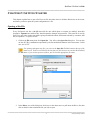
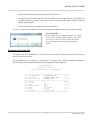
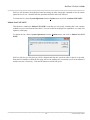
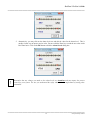
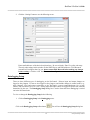
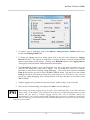
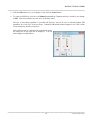
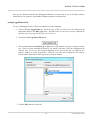
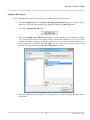
3. Specify the drive and folder in which the text file will be saved.
4. ProView will select a default file name for you, with the extension .cfg. However, you can give the
file another name if you wish. You can also select an existing .cfg file name by clicking on the file
name in the file list box.
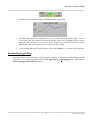
5. Click on the OK button to print the setup to the selected file.
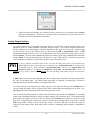
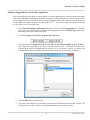
If you are overwriting an existing file, a message box pops up to make sure that you don’t make a mistake.
A word about Files:
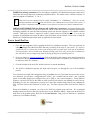
Do not confuse the site configuration file (.pvs), which
is a binary file, with the printed setup file (.cfg), which
is a text file. A text file can be viewed with a word
processing program while a binary file typically
cannot.
Examining the Setup File
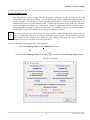
To examine your site configuration file, use a text editor or word processor such as Notepad or Word to open
the file you have just created.
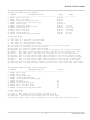
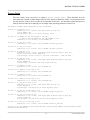
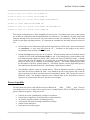
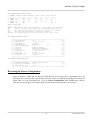
The file produced by our sample site is shown below. The first section consists of identifying information
about the ProControl unit and information about the inputs and outputs wired to it.
EOS RESEARCH LTD.
ProControl Series II+
ProView Configuration File Information
********************************************************
***** FAX Recipient:
BULLWINKLE MOOSE
*****
***** Customer:
MAYBERRY WATER DEPT
*****
***** Site Location:
MAYBERRY RFD
*****
********************************************************
***** Setup:
1
*****
***** Option:
B
*****
***** Type:
122
*****
***** Serial Number:
9999
*****
***** Date:
12/03/2014
*****
***** Time:
15:20:11
*****
***** ProView:
Version 2.200
*****
********************************************************
__________________________________________________________
10
8100\pv220man\pv220man