1
Chapter 2 Tutorials
As long as the data volumes are small, this is very practical, since you have direct access
to all of the data. However, this procedure is limited when you are working with large
volumes of data or when the amount of data varies, as in a measurement series, for
example.
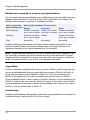
In developing FlexPro, however, situations like these were taken into account. Data in
FlexPro is therefore divided into multiple data sets that are stored together in a FlexPro
project database. In this case, each data set only accepts data of the same type. If you
look at the example table more closely, it is clear that it contains data with different data
structures and data types. For example, the measurement number is a scalar value, the
list with the samples is a data series with strings, and the input voltage and the output
current are both data series, each with eleven values. As you can see, the data structure
specifies how associated data is organized, and the data type specifies whether the data
consists of floating point values, strings or other values.
For each element in the example, FlexPro provides a matching data structure used for
the corresponding data set. For example, the serial number of the measurement is saved
as a data set Measurement Number with a scalar value. The list contains the test
objects as a objects data set with a data series containing several strings and the Input
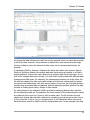
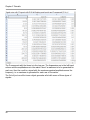
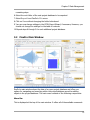
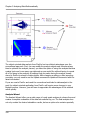
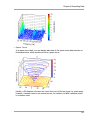
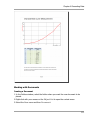
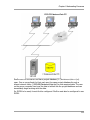
Voltage and the Output Current as data series. In the illustration above you see an
Excel workbook opened in FlexPro and the assigned data sets. In this example, the data
21