1
Chapter 6 Presenting Data
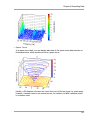
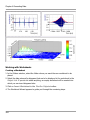
Positioning the Color Legend of a 3D Diagram
1. If the diagram is in a document or a worksheet, double-click on the diagram to open
it.
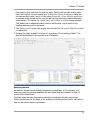
2. Use your mouse to select and drag the color legend to the desired position.
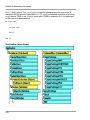
3. To specify which corner of the diagram you want to assign the legend, double-click on
the surface of the color legend.
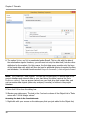
4. In the Color Legend Properties dialog box, select the Position tab.
5. Select the desired position in the field To corner.
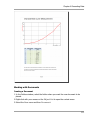
Splitting a 2D Diagram into Multiple Pages
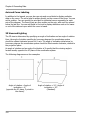
1. If the diagram is in a document, double-click on the diagram to open it.
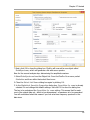
2. Use your right mouse button to click on the diagram and select Properties from the
context menu.
3. Click on the Page Splitting tab.
4. Select the desired Mode for page splitting. Here, call up Help in the dialog box if
necessary.
5. In the field that now appears, specify the desired Number of pages or Number of
divisions per page.
Navigating Multi-Page 2D Diagrams
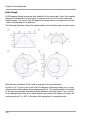
· Use the commands Previous Page or Next Page from the View menu or Drawing
Tools toolbar to go to the previous or next page of the diagram.
· To show the first or last page of the diagram, use the commands First Page or Last
Page from the View menu.
· You can use the command Choose Page from the View menu to select any page.
· You can use the mouse wheel to scroll through several pages of the diagram.
Changing the 3D Diagram Viewing Angle
To change the viewing angle, do the following:
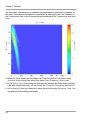
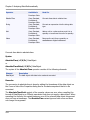
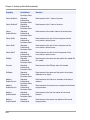
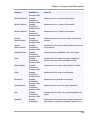
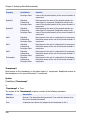
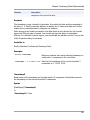
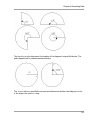
1. On the 3D View toolbar, click on Rotate Right to rotate the diagram clockwise by
10°. You can rotate the diagram by 10° in the opposite direction by clicking on
Rotate Left.
318