1
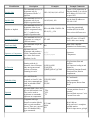
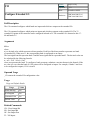
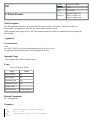
MC
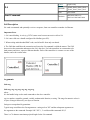
Motion Complete
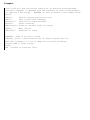
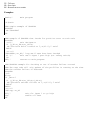
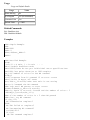
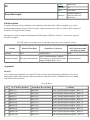
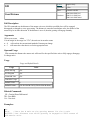
Syntax:
Accepts Axis Mask
& Trippoint
Operands:
none
Burn:
not burnable
Hardware:
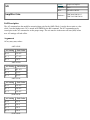
DMC40x0 DMC41x3
DMC21x3 DMC18x6
DMC18x2 DMC300x0
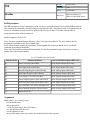
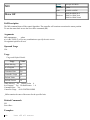
Full Description
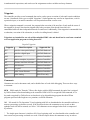
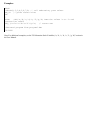
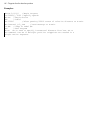
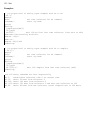
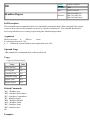
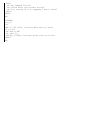
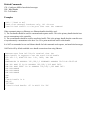
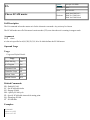
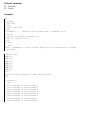
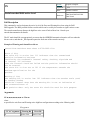
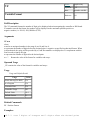
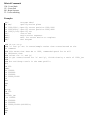
The MC command is a trippoint used to control the timing of events. This command will hold up execution of
the following commands until the current move on the specified axis or axes is completed and the encoder
reaches or passes the specified position. Any combination of axes may be specified with the MC command.
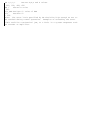
For example, MC AB waits for motion on both the A and B axis to be complete. MC with no parameter
specifies that motion on all axes should complete before code continues. The command TW sets the timeout
to declare an error if the encoder is not in position within the specified time. If a timeout occurs, the trippoint
will clear and the stopcode will be set to 99. An application program will jump to the special label #MCTIME,
if present.
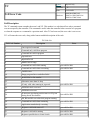
When used in stepper mode, the controller will hold up execution of the proceeding commands until the
controller has generated the same number of steps as specified in the commanded position. The actual number
of steps that have been generated can be monitored by using the interrogation command TD.
Note: The MC command is recommended when operating with stepper motors in lieu of AM since the
generation of step pulses can be delayed due to the stepper motor smoothing function, KS. In this case, the
MC command would only be satisfied after all steps are generated.
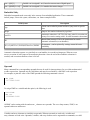
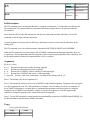
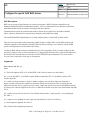
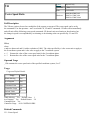
Arguments
MC nnnnnnnn
where
n is A,B,C,D,E,F,G or H or any combination to specify the axis or axes
MC with no axis mask specifies that motion on all axes should complete before code continues
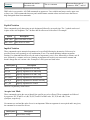
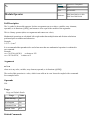
Operand Usage
N/A
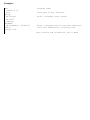
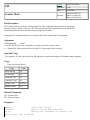
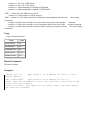
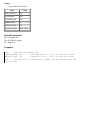
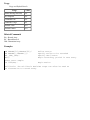
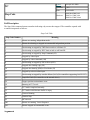
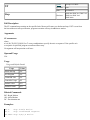
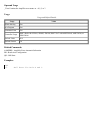
Usage
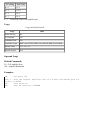
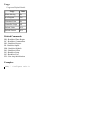
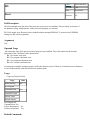
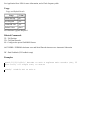
Usage and Default Details
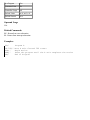
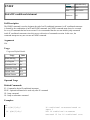
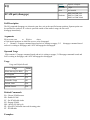
Usage
Value
While Moving
Yes
In a Program
Yes
Command Line
Yes
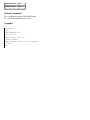
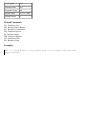
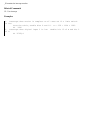
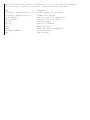
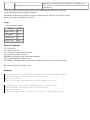
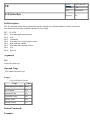
Related Commands
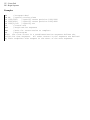
BG - Begin
AM - After Move
TW - Timeout