1
Using the Security System
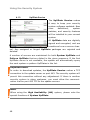
The Log File Sub-Tab
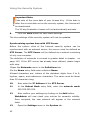
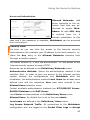
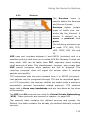
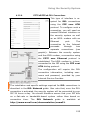
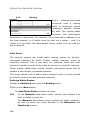
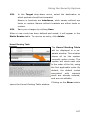
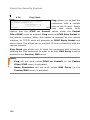
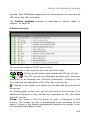
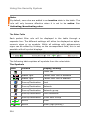
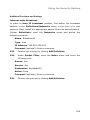
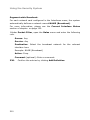
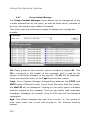
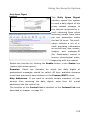
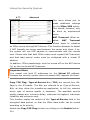
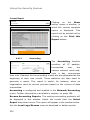
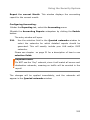
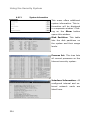
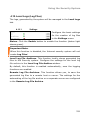
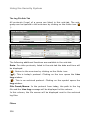
All protocols (Logs) of a group are listed in this sub-tab. The subgroup can be opened in the overview by clicking on the folder icon (
).
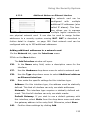
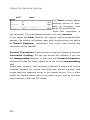
The following additional functions are available in the sub-tab:
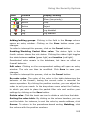
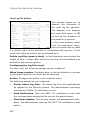
Date: For older protocols, listed in the sub-tab the date and time will
be displayed.
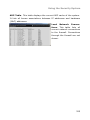
(
): Return to the overview by clicking on the folder icon.
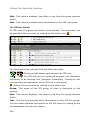
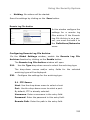
(
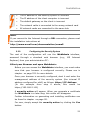
): This is today's protocol. Clicking on the icon opens the Live
Log window.
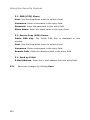
(
): This in an archived protocol. Clicking on the symbol opens the
Log window.
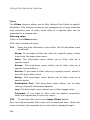
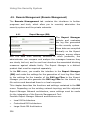
File Count/Name: In the protocol from today, the path to the log
file and the Live Log message will be displayed in this column.
In this column, the file names will be displayed next to the archived
log files.
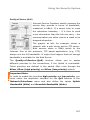
Filters
338