1
Using the Security System
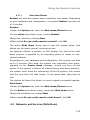
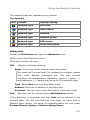
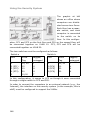
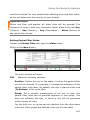
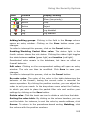
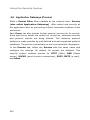
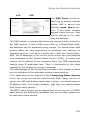
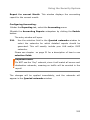
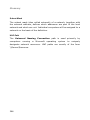
Status: The states of the e-mails are displayed in the Proxy Content
Manager through symbols.
•
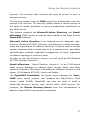
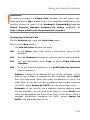
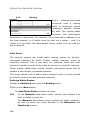
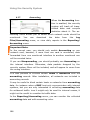
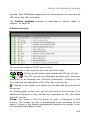
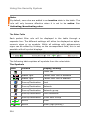
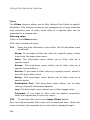
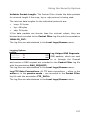
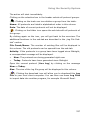
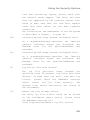
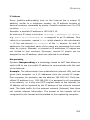
deferred (
): The e-mail will be sent to the intended recipient.
Normally, messages of this type are forwarded soon after the
proxy receives them. If, however, temporary problems delivering
the message are encountered, it may remain in the queue with
this status for a short while. Such messages will be delivered as
soon as the destination host can be contacted.
•
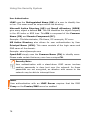
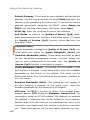
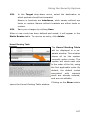
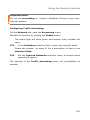
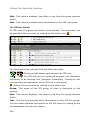
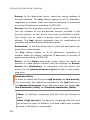
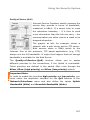
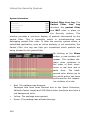
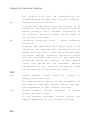
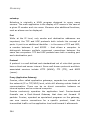
quarantined (
): The e-mail will be quarantined due to the
Quarantine configuration to one of the Content Filter functions.
Unwanted or dangerous content such as a virus have been discovered in the message. Such messages will remain in the table
until an administrator deletes or sends them.
On the right side, next to the status symbol for those e-mails,
which are kept in quarantine, it is displayed which function blocked
the message:
SP: Spam Protection
VP: Virus Protection
Filter: File Extention Filter
EXP: Expression Filter
MIME: MIME Error Checking
•
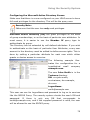
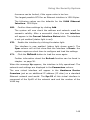
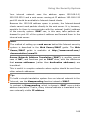
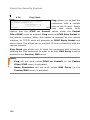
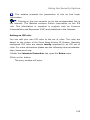
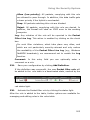
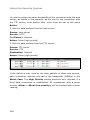
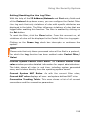
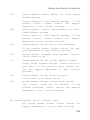
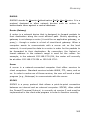
permanent error (
): The e-mail contains a permanent error.
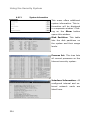
Sender: The sender of an e-mail is displayed in this column. For the
SMTP type, this is the sender address on the envelope.
For the POP3 type, this is the address of the „From:“-header of an email. If no sender address is displayed, the e-mail contains the
additional status Bounce.
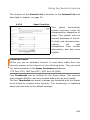
If the Content Filter has blocked an e-mail which might be a Phishing
Mail, this will be indicated if you touch the cell with the VP message
with the mouse.
275