1
SMP-PRO SERIES
USER MANUAL
Static IP
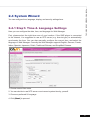
If you are in the static IP network, please follow below steps to login and complete network
settings.
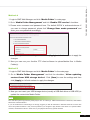
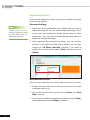
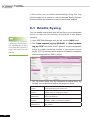
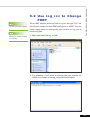
1. Connect a keyboard and a mouse to USB connectors on the SMP player and connect the
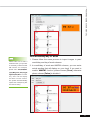
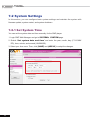
power adapter to a socket to turn on the system. Click [Wizard Mode] or [Advanced
Mode] on the Web Manager, and enter a username and password.
Default Username: webadmin
Default Password: admin
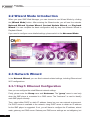
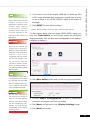
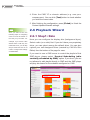
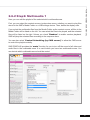
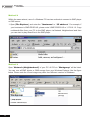
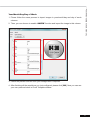
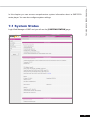
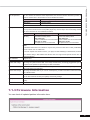
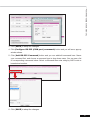
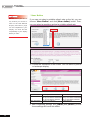
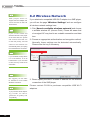
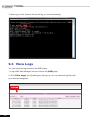
2. Click [NETWORK SETTINGS] or [Network Wizard] on the screen. Then, click
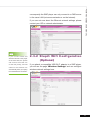
“Static IP Address” in the Ethernet Settings area and set up all related network settings
for SMP.
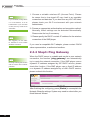
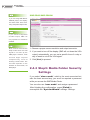
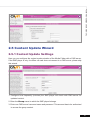
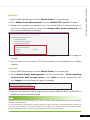
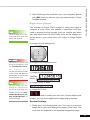
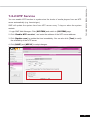
3. After completing, click [SAVE] at the bottom and click [APPLY] or follow the wizard
steps to finish the settings. Then, the SMP player will reboot.
10