1
User's Guide
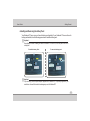
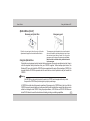
Knowing the Parts
1
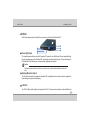
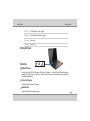
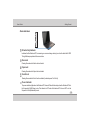
Bottom
Side
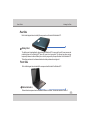
Refer to the diagram below to identify the components on this side
of the Notebook PC.
1
Battery Pack
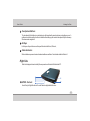
The battery pack is already discussed in rear side(Page no. 18)
2
1
2
3
4
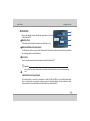
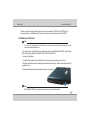
Bluetooth Module Compartment
The Bluetooth module is secured in this Compartment. Bluetooth is an Open wireless technology standard
for exchanging data over short distances.
3
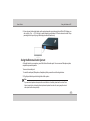
Air Vents
The air vents allow cool air to enter and warm air to exit the Notebook PC.
Important :
4
Make sure that Paper, books, clothing, cables or other objects do not block any of the air vents or else overheating may
occur.
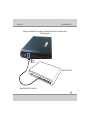
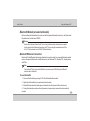
Hard Disk Drive Compartment
The hard disk drive is secured in a compartment. Hard Disk Drive (HDD) is a non-volatile data storage
device. It stores data on a magnetic surface layered onto hard disk platters. Visit an authorized service
center or retailer for more information on hard disk drive for your Notebook PC.
2-8