1
User's Guide
Using the Notebook PC
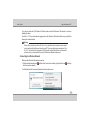
5. Then select the sending and give send file.
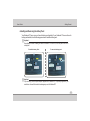
To Receive a Data/File
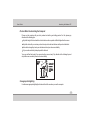
1. Power on the Bluetooth by pressing Fn+F12 function key or Hot Key.
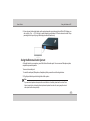
2. Right click on the Bluetooth tray icon is select Receive a file.
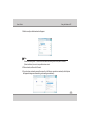
3. Waiting for a connection form another computer or device dialog box will appear.
4. Then send the file from other machine to this machine.
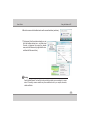
5. Accept the sent file.
Note:
While receiving file, select receive a file from tray icon, before selecting this you shouldn't send file from other
machine.
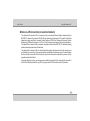
PC Camera Module (on selected models)
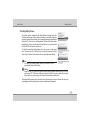
Power ON the Camera by pressing Fn+F10. The 1.3Megapixel or 2.0Megapixel(Megapixel will vary
according to your configuration) camera module is UVC ( USB Video Class) and uses the OS inbuilt driver
and application to capture pictures (Windows XP).In Windows Vista and Windows 7 OS, freeware utility
comes along with the driver. You can find a shortcut named Webcam Installer in the Desktop.
4-19