1
R E A L - T I M E
L I G H T N I N G
D E T E C T I O N
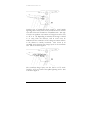
Places show up on the map only if the map is zoomed
in enough.
To delete a Place, right-click on it and choose “Place
Properties | Delete…” from the popup menu.
To change the name of a Place, right-click on it and
choose "Place Properties | Name..." from the popup
menu.
To make the Place visible at all zoom levels, right-click
on it and choose “Place Properties | Always Visible”
from the popup menu.
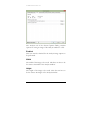
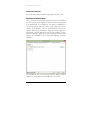
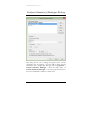
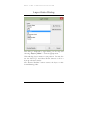
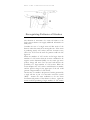
Add Map Object | Location | Region…
Right-click on the background map and choose this
menu selection to add a Region to the background
map.
Regions show up on the map only if the map is
zoomed in enough.
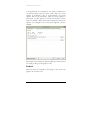
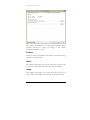
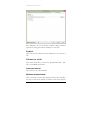
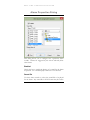
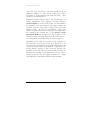
To edit the shape of a Region, right-click on it and
choose “Region Properties | Edit” from the popup
menu. To add a node to a Region, double-click on an
existing node. Click and drag a node to move the
node to a new position.
To delete a Region, right-click on it and choose
“Region Properties | Delete…” from the popup
menu.
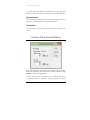
To change the name of a Region, right-click on it and
choose "Region Properties | Name..." from the
popup menu.
To make the Region visible at all zoom levels, rightclick on it and choose “Region Properties | Always
Visible” from the popup menu.
139