1
Overview:
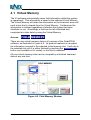
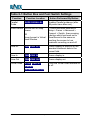
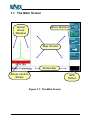
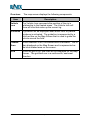
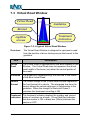
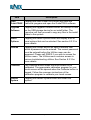
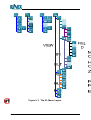
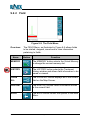
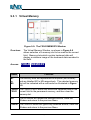
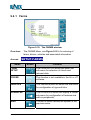
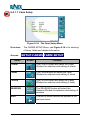
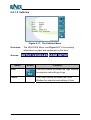
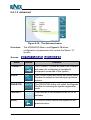
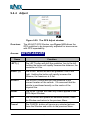
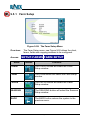
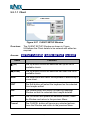
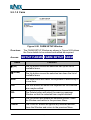
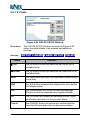
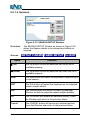
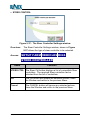
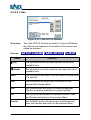
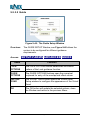
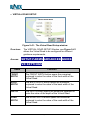
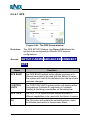
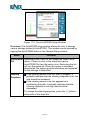
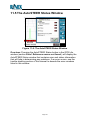
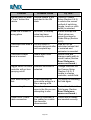
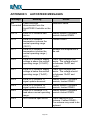
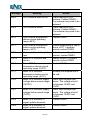
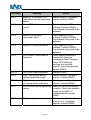
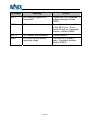
The main screen displays the following information.
Item
Description
Map Screen
The Map Screen occupies the greater part of the overall
screen and displays the treated area as a map view.
Virtual Road
Window
The Virtual Road Window on the left hand side of the
screen can be toggled ON or OFF. If guidance is not
activated the display will not display a Virtual Road.
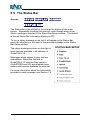
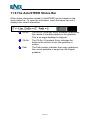
Status Bar
The Status Bar is located at the bottom of the main
screen. It can be toggled to display status information
relating to the field and system.
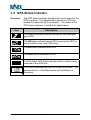
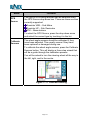
GPS Status
The GPS Status Indicator is used to display the current
GPS status. A visual alarm will be displayed if the GPS
does not conform with the setup parameters.
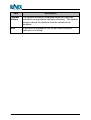
Menu
Buttons
The Menu Buttons are displayed on the right hand side
of the screen. The buttons will change as sub-menus
are selected for operation.
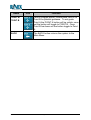
Boom
Section
Status
The Boom Section Status displays the ON / OFF status
of one or more boom sections dependant upon the
configuration of the system.
GuideTRAX V3 User Manual
Page 83
Version 1.0 Rev A