1
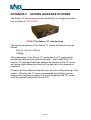
8.2 Using the Launcher
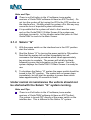
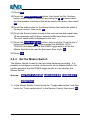
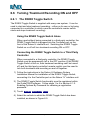
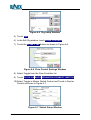
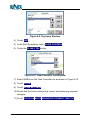
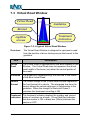
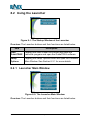
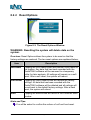
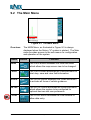
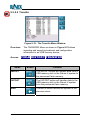
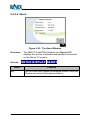
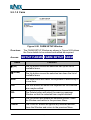
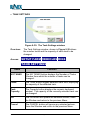
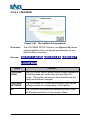
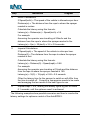
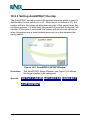
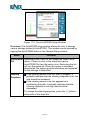
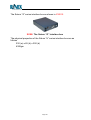
Figure 8-1: The Startup Window of the Launcher
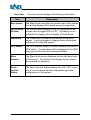
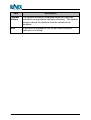
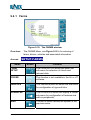
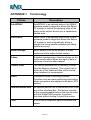
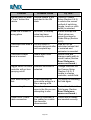
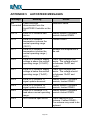
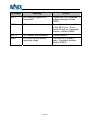
Overview: The Launcher buttons and their functions are listed below:
Item
Description
Start
GuideTRAX
Tapping the Start GuideTRAX button will close the
Launcher program and open the GuideTRAX software.
Setup
Options
Tapping the Setup Options button will open the Launcher
Main Window. See Section 8.2.1 for more details.
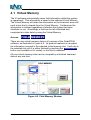
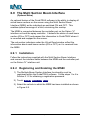
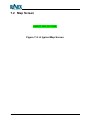
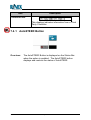
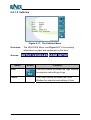
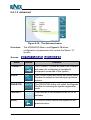
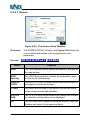
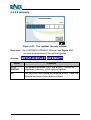
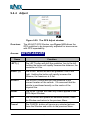
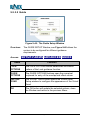
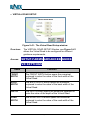
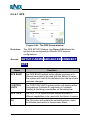
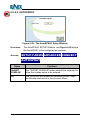
8.2.1 Launcher Main Window
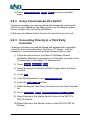
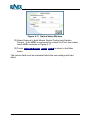
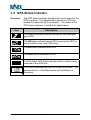
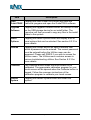
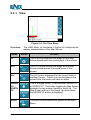
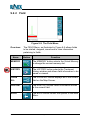
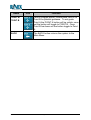
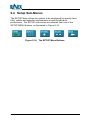
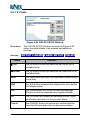
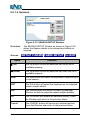
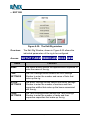
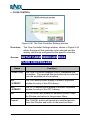
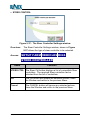
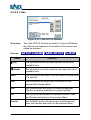
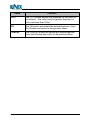
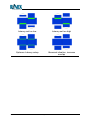
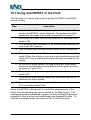
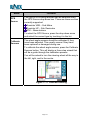
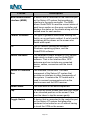
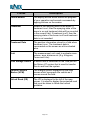
Figure 8-2: The Launcher Main Window
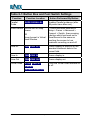
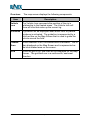
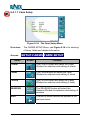
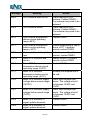
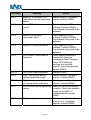
Overview: The Launcher buttons and their functions are listed below:
GuideTRAX V3 User Manual
Page 98
Version 1.0 Rev A