1
9.5.4.4 SWITCH
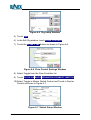
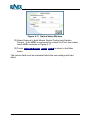
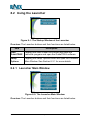
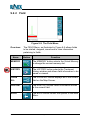
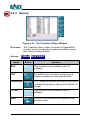
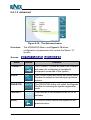
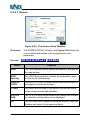
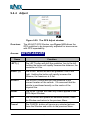
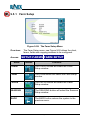
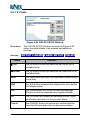
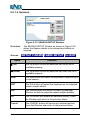
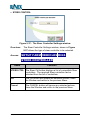
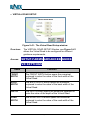
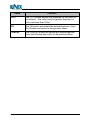
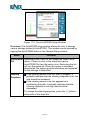
Figure 9-48: The Switch Setup window
Overview:
Access:
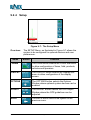
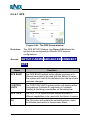
The SWITCH SETUP Window, see Figure 9-48 allows the
system to be configured with different switches for starting
and stopping of recorded treatment data.
SETUP-FARMS-ADVANCED-CONNECT
SWITCH
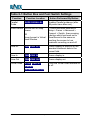
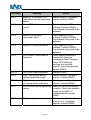
Name
Function
MASTER
SWITCH
CONTROL
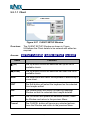
The MASTER SWITCH CONTROL options button
selects the switch device that is used for starting and
stopping of recorded treatments.
SECTION
CONTROL
The SECTION CONTROL options button selects the
device that is used for starting and stopping of individual
boom sections treatments.
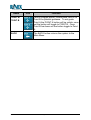
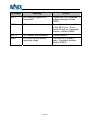
GENERAL
The GENERAL checkbox selects the mode used when
operating the optional MSBI kit. The checkbox must be
ticked for use with a HARDI spray rate controller.
OK
The OK button will update the selected actions, close
the Window and return to the previous Menu.
GuideTRAX V3 User Manual
Page 160
Version 1.0 Rev A