1
MODSIM User’s Manual
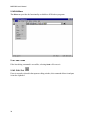
2.14.7 Edit / Replace...
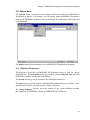
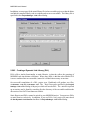
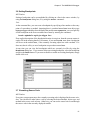
Use this option to replace all occurrences of one string by another. The topmost editing
window is scanned, from the current cursor location to the end, to find text to replace.
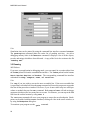
Type the text to search for in the Find What field. Check Match Case if you want capitalization to be considered when searching.
Type the text to replace with in the Replace With field.
Find Next will select the first text after the current cursor position
which matches the search
text.
Pressing Replace will replace the selection with the replacement text. Pressing Replace All
will replace the selection, and all further matches, with the replacement text.
2.14.8 Edit / Select All
Selects all the text in the topmost editing window.
32