1
MODSIM User’s Manual
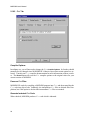
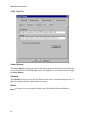
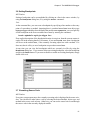
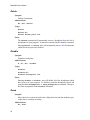
Single Machine License:
Use this option for a single machine software license. After selecting this option press the
Register Now button to obtain your host code. You will be prompted to enter a license key
which can be obtained from CACI.
Floating License:
Use this option if you intend to use a license server. The Getting Started manual contains
information on how to configure a license manager.
Hardware License (Dongle):
Use this option for hardware license protection using a dongle attached to your parallel
port. After selecting this option, press the Install Driver button to configure your computer
for the dongle. You must restart your computer after installing the driver software.
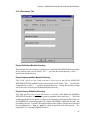
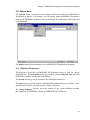
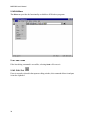
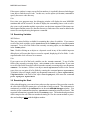
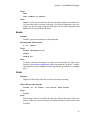
2.12 View Menu
Select Line to view a specific line in the topmost editing window.
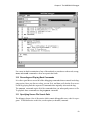
Select Next Error to view the next error, after a MODSIM compile.
Select Previous Error to view the previous error, after a MODSIM compile.
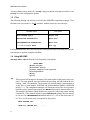
Select Toolbar to toggle the display of the Toolbar.
Select Status Bar to toggle the display of the Status Bar.
26