1
3.4.
Management Functions
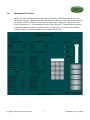
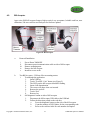
Before any of the management functions can be performed, a USB Management key must be
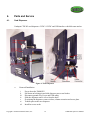
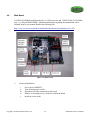
inserted into the port. Open the main door and locate the USB port on the right-inside portion of
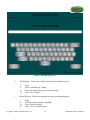
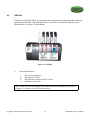
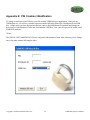
the cabinet. Insert the USB key into the port and enter in the 4 digit pin # using the on-screen
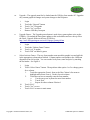
keypad (shown below). The management screen will be displayed. Changes made through the
management functions must be saved before they will take affect. If you try to exit without
saving a change you will be prompted to save changes one last time.
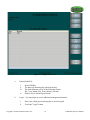
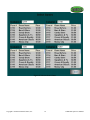
Figure 2: Report Screen
Copyright © 2008 International Gamco, Inc.
9
TabBOXX Operator’s Manual