1
36
Logic Pro 9 Power!: The Comprehensive Guide
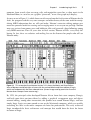
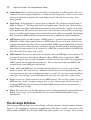
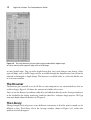
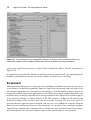
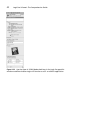
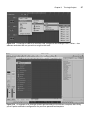
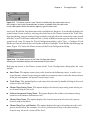
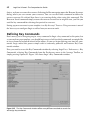
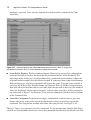
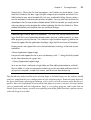
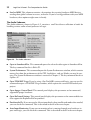
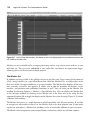
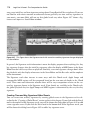
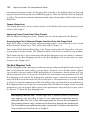
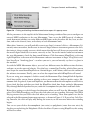
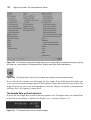
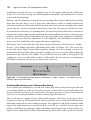
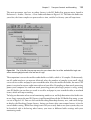
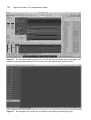
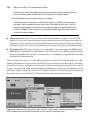
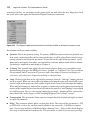
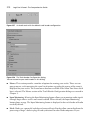
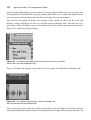
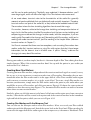
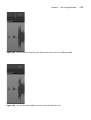
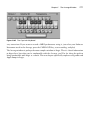
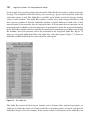
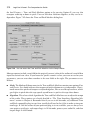
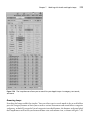
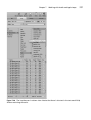
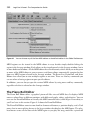
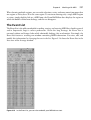
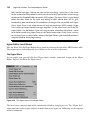
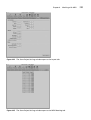
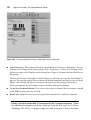
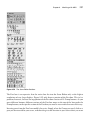
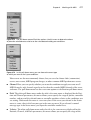
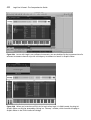
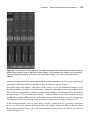
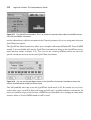
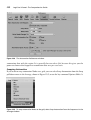
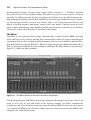
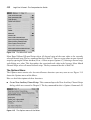
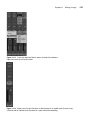
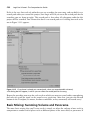
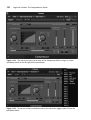
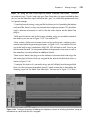
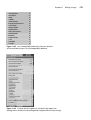
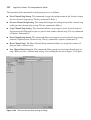
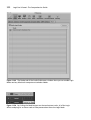
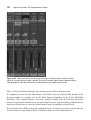
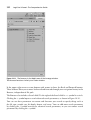
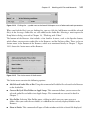
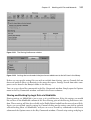
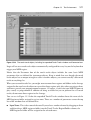
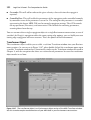
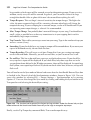
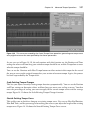
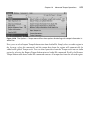
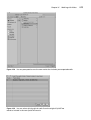
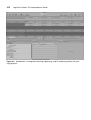
Figure 2.17 Key commands are an integral part of Logic, as you can see by the features of the Key
Commands window and the number of commands that are available only as key commands.
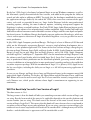
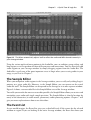
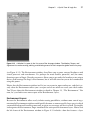
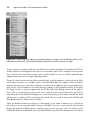
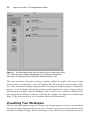
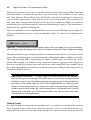
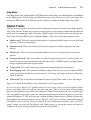
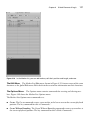
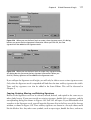
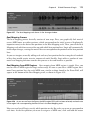
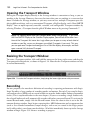
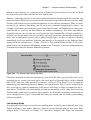
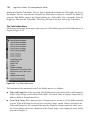
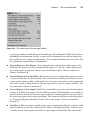
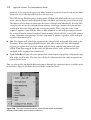
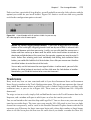
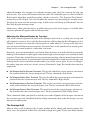
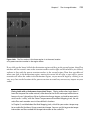
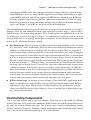
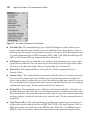
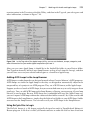
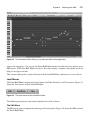
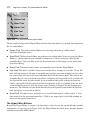
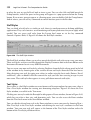
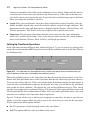
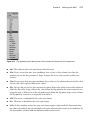
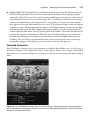
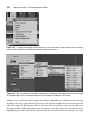
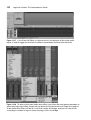
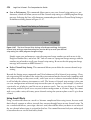
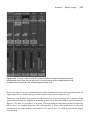
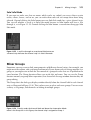
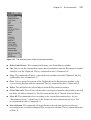
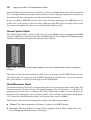
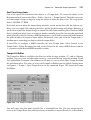
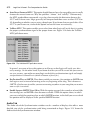
assign your right-click preference to Opens Tool and Shortcut Menu, like the one shown in
Figure 2.19.
It’s important to note that the Tool menu and shortcut menu contents will vary depending on the
window, and sometimes even the area of the window, in which you are working.
Screensets
Most sequencers allow you to arrange the various windows and editors onscreen and save these
screen formats. As with key commands, however, Logic takes the concept and runs with it in its
own uniquely powerful ways. Screensets are not simply an available option in Logic; they are an
integral part of how you use the application, as they allow you to create combinations and views
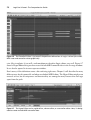
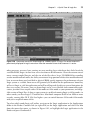
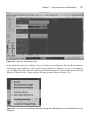
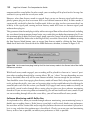
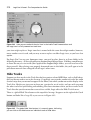
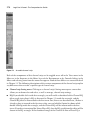
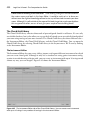
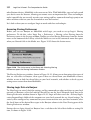
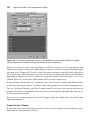
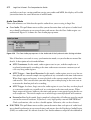
of editors that you simply cannot do in the Arrange window alone. Notice that a number appears
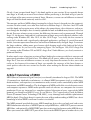
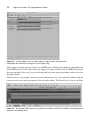
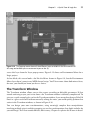
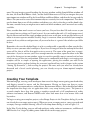
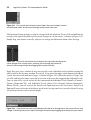
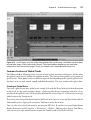
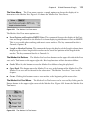
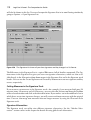
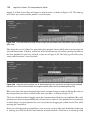
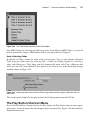
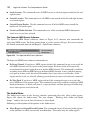
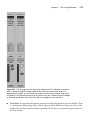
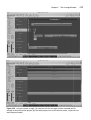
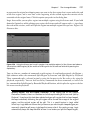
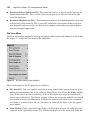
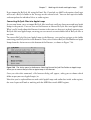
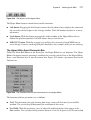
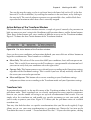
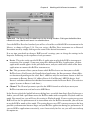
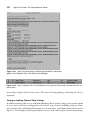
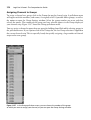
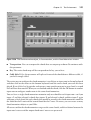
in the menu bar of Logic, as shown in Figure 2.20. This number (1 in Figure 2.20) indicates the
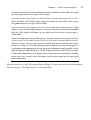
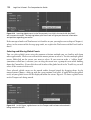
designated number of the screenset that you are currently accessing. You can access up to 99
screensets directly from the numeric keypad, and you can access additional screensets from the
Next Screenset and Previous Screenset key commands. As you open, close, and move windows
around, Logic automatically remembers them, and the next time you launch your Logic song, it
will automatically have the same windows, open in the same location, in each screenset.