1
Defining a Custom Report
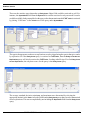
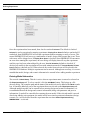
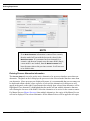
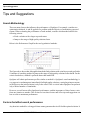
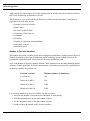
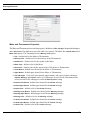
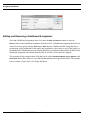
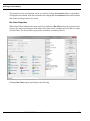
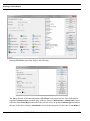
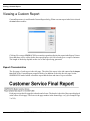
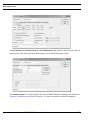
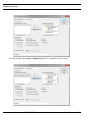
The properties of the selected item can be accessed by clicking the Properties button or by doubleclicking the selected item. If the selected item is not configurable, the Properties button will not enable
and double-clicking results in no action.
Bar Chart Properties
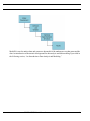
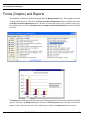
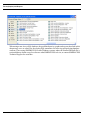
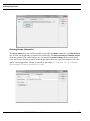
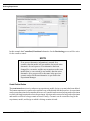
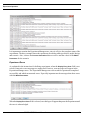
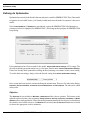
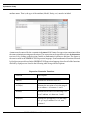
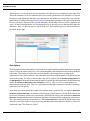
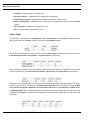
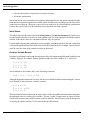
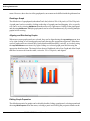
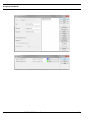
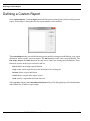
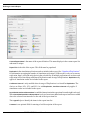
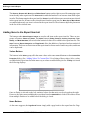
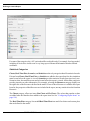
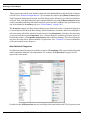
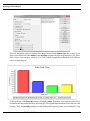
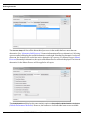
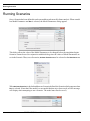
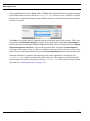
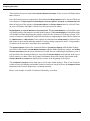
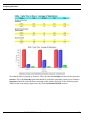
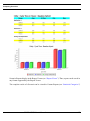
When a Bar Chart is added to the report item list, it displays as Bar Chart. Once the properties have
been set, the report item displays as the name of the chart. In the example below the last two items
are Bar Charts. The first one has its properties set and the second one doesn’t.
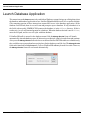
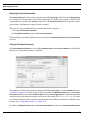
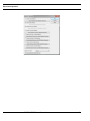
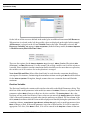
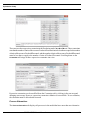
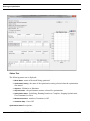
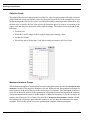
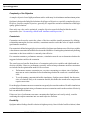
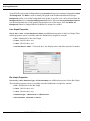
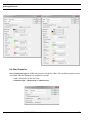
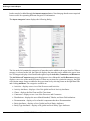
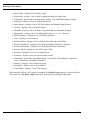
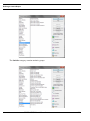
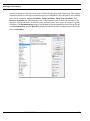
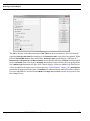
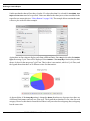
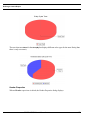
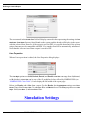
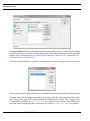
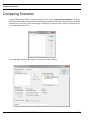
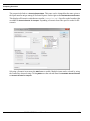
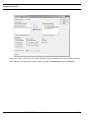
Editing a Bar Chart report item displays the following.
SIMPROCESS User’s Manual
111