1
System, Design, and Scenario
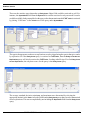
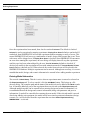
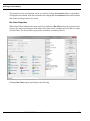
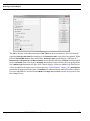
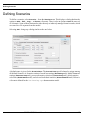
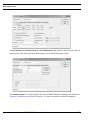
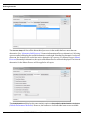
A scenario is used to track various runs of the same system (model) and design. For example, one run
might have a certain resource level at 3 while another run has the same resource level at 4.
Differentiating those runs in the database is done through the scenario name. The scenario comment
field is a good place to document the important settings for that scenario. Again, if a scenario is deleted,
all records associated with that scenario will be deleted from the Access database. (As before, in order
for this to be true in another SQL database, appropriate relationships and/or constraints must be
established when the database is created.)
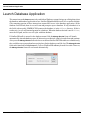
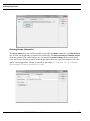
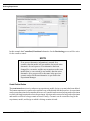
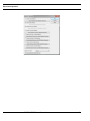
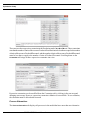
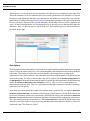
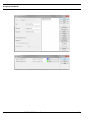
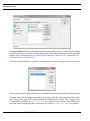
In the Access database, the Manage Results form should be used to delete results for a Model (System),
Design, or Scenario. DO NOT modify the tables directly. Using the Manage Results form ensures the
tables do not become corrupted. This form can be run from the Forms tab in Access. Also, when using
Launch Database Application from the Report menu, the Manage Results form launches automatically.
If the form is blank, then there are no run results in the database.
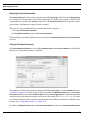
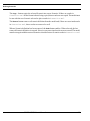
The Launch Database Application menu item is only enabled on Windows systems. It will be enabled
even if the sProcDB.properties file is configured for a non-Access database.
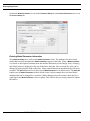
IMPORTANT: It is good practice to regularly compact the Access database, particularly after deleting
records.
SIMPROCESS User’s Manual
19