1
Appendix
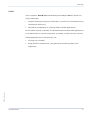
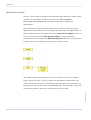
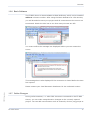
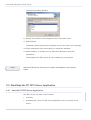
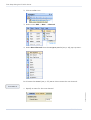
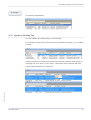
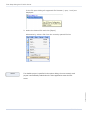
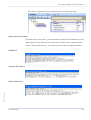
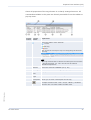
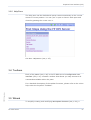
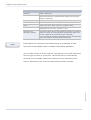
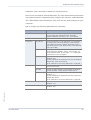
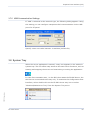
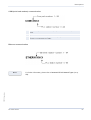
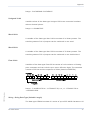
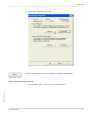
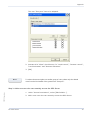
The user "Everyone" has to be adapted.
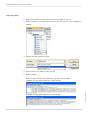
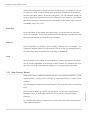
2. Activate all 4 "Allow" check boxes, for "Local Launch", "Remote Launch",
"Local Activation" and "Remote Activation"
3. [OK]
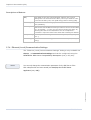
Note
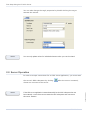
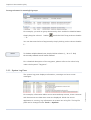
To reduce the access rights to a smaller group of users, select only the desired
users from the list instead of the general user "Everyone".
Step 3: Add a new user who can remotely access the OPC Server
FP OPC Server.docx
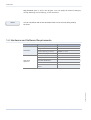
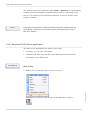
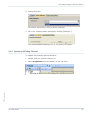
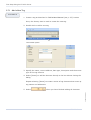
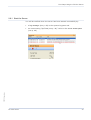
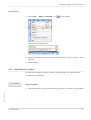
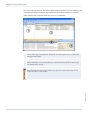
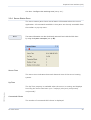
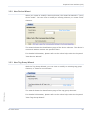
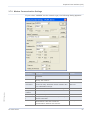
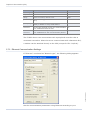
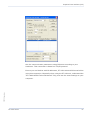
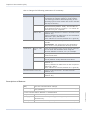
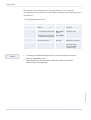
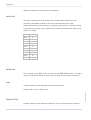
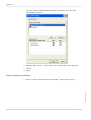
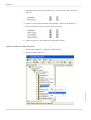
1. Under "Access Permissions", select [Edit Default...]
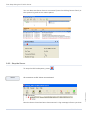
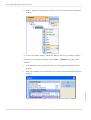
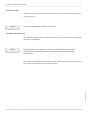
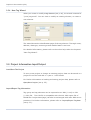
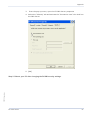
2. Add a new user who can remotely access the OPC Server
FP OPC Server
79