1
MARKETING
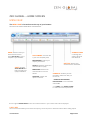
SUB MENU ITEM WITHIN THE CUSTOMERS MENU:
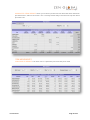
This section holds databases of non-card holding member, Loyalty members who have completed a survey
questionnaire and customers who have signed up online but have not activated their card:
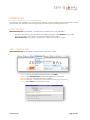
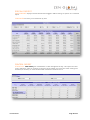
FIND A RECORD
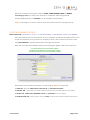
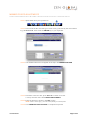
MENU NAVIGATION: CUSTOMERS ⇒ MARKETING ⇒ MARKETING ⇒ EDIT MEMBER
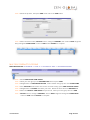
Search for the customer and edit them accordingly ensure you select UPDATE to save data.
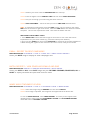
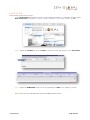
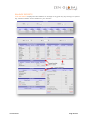
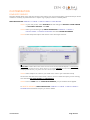
You can also add a new member to marketing by the following steps:
MENU NAVIGATION: CUSTOMERS ⇒ MARKETING ⇒ MARKETING ⇒ NEW CUSTOMER
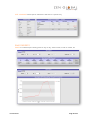
SMS – CREATE A SMS
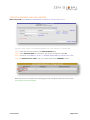
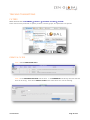
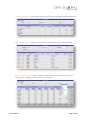
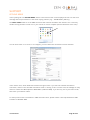
MENU NAVIGATION: CUSTOMERS ⇒ MARKETING ⇒ SMS OUT ⇒ EDIT
STEP 1 A pre existing SMS message will open, click NEW
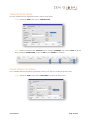
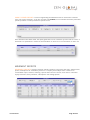
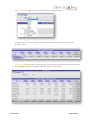
STEP 2 In the DESCRIPTION field title your SMS for your reference
STEP 3 Enter your message before the <<STOP>>
DO NOT remove the <<STOP>> this is the automated opt out required for privacy
STEP 4 Select SAVE to complete the process
USER MANUAL Page 21 of 31