1
Database Designer
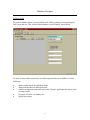
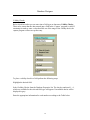
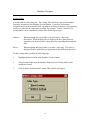
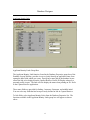
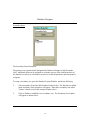
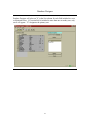
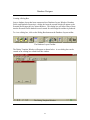
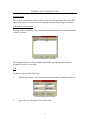
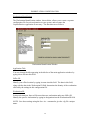
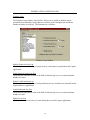
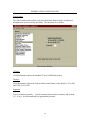
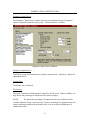
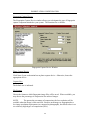
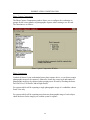
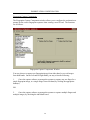
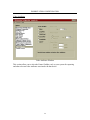
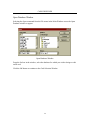
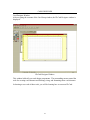
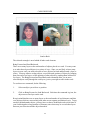
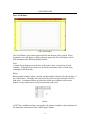
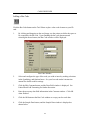
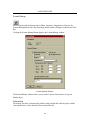
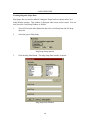
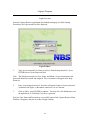
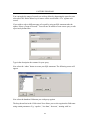
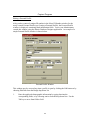
Fields are defined in a list in the Database Fields box. You can use the mouse, arrow
keys, Enter key, or Tab key to move around between rows and columns. A vertical scroll
bar will appear in the Database Fields box when there are more fields than can be
displayed at one time.
Field Names
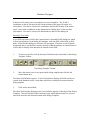
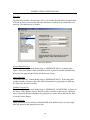
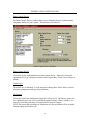
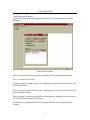
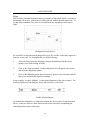
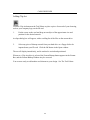
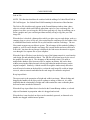
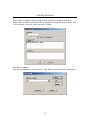
Type the name of the field in the Field Name column of the Database Fields list. Field
names must meet the following guidelines.
•
•
•
maximum length is 31 characters
no two names in one layout can be exactly the same.
Names should contain only letters and numbers, no additional symbols should be
used. Do not include any spaces.
Field Types and Sizes
1.
2.
3.
4.
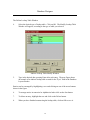
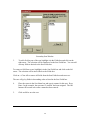
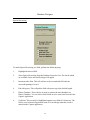
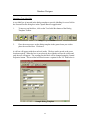
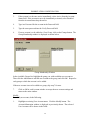
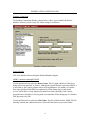
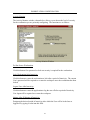
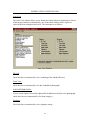
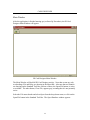
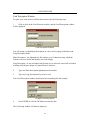
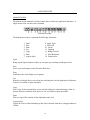
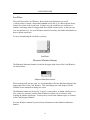
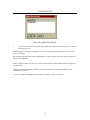
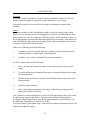
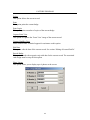
Highlight the Type box for the desired field.
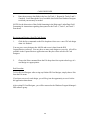
Press the spacebar or click on the down arrow on the right side of the type box. A
drop down menu of types will appear.
Highlight the desired type and press enter. The highlight will move to the Size
box.
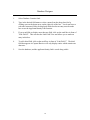
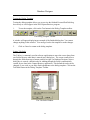
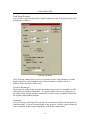
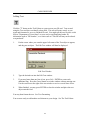
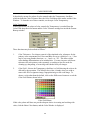
Type in the desired size staying within the limits stated in the table below. If a
size is not entered, Database Designer assumes the default value for the associated
type.
Field Type
Text
Size Range
1 - 255
Character
1
Integer
Long Integer
Floating Point
-32,766 to +32,766
-2,147,483,646 to
+2,147,483,646
Virtually unlimited
Date
N/A
Time
N/A
Description
Allows the input of letters, numbers and any
special characters on the system keyboard.
Allows the input of letters, numbers and any
special characters on the system keyboard.
Allows the input of whole numbers.
Allows the input of whole numbers.
Allows the input of numbers containing a decimal
point.
Allows the input of any valid date. Leap years are
handled automatically.
Allows input of time of day, stored in
milliseconds since midnight.
9