1
Database Designer
Testing the Dialog Template
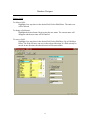
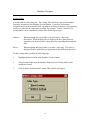
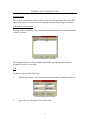
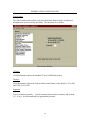
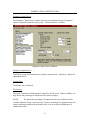
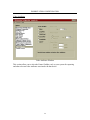
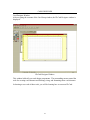
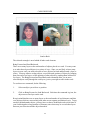
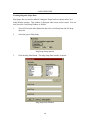
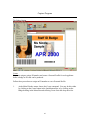
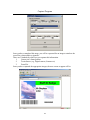
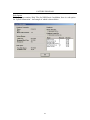
Testing the dialog template allows you to preview the finished Personal Profile dialog
box exactly as it will appear in the IDS Capture/Retrieve program.
1.
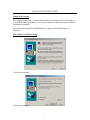
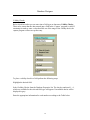
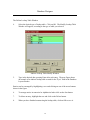
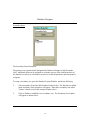
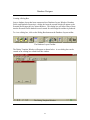
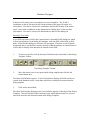
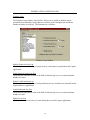
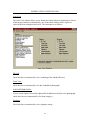
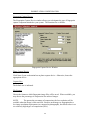
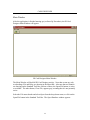
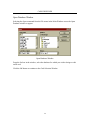
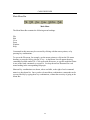
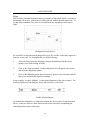
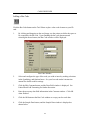
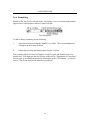
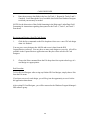
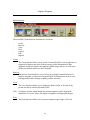
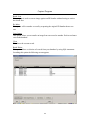
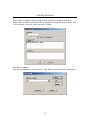
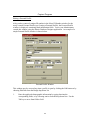
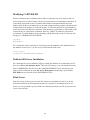
To test the template, click on the Test button in the Dialog Template toolbar.
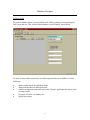
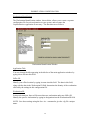
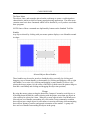
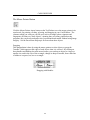
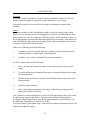
The Dialog Template Toolbar
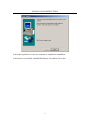
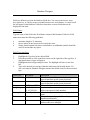
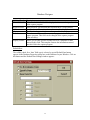
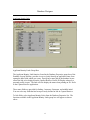
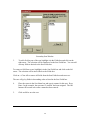
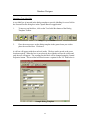
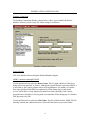
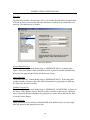
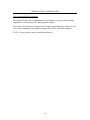
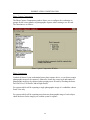
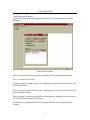
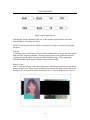
A window will appear displaying an example of the finished dialog box. You cannot
change anything in this window. You must go back to the template to make changes.
2.
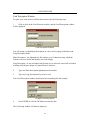
Click on Cancel to return to the dialog template.
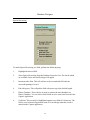
Setting Tab Order
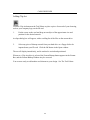
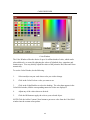
The Tab key is commonly used in software applications to move the cursor along from
one field to the next when data is entered into a dialog box. The cursor usually moves
through the fields from top to bottom, and left to right. In Database Designer, when a
dialog box is created, a default order for tabbing through the fields is automatically
created for use later in the Capture/Retrieve application. This default tab order can be
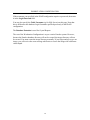
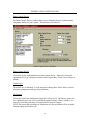
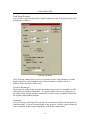
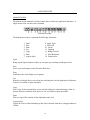
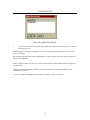
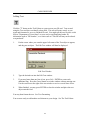
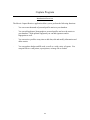
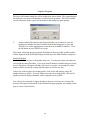
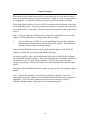
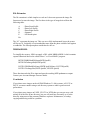
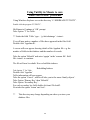
changed, if you wish, as you make final adjustments to the dialog template. Click on the
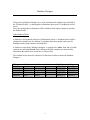
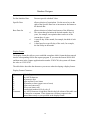
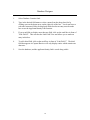
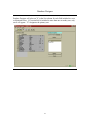
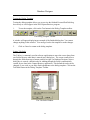
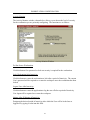
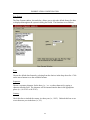
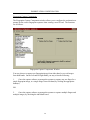
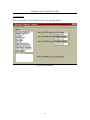
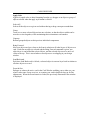
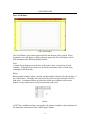
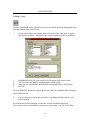
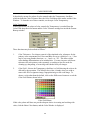
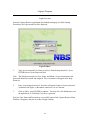
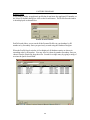
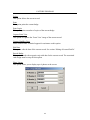
Tab Order button in the Dialog Template Toolbar.
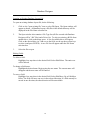
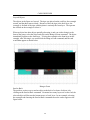
The Tab Order Window
26