1
Database Designer
Understanding Sorts
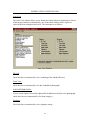
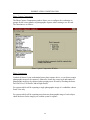
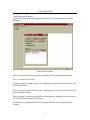
A sort is a list of data items in ascending or descending order. Sorts allow you to control
how the records in a table are displayed, reported and printed. Sorts maybe be based on
any element of data in a record, such as ID number, or last name or GPO code. Sorts are
established in Database Designer, and then are used in the ‘Capture’ application to place
records in a desired order. Database Designer allows the use of the following two types of
sort.
Primary Sort
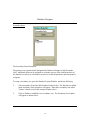
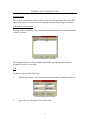
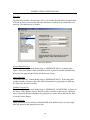
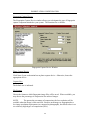
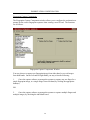
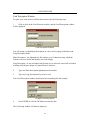
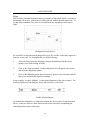
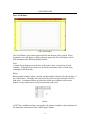
The primary sort is the default order of the records in a database. Database Designer
automatically assigns the primary sort default to the ID Number field, in ascending order.
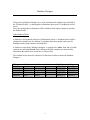
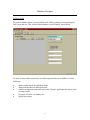
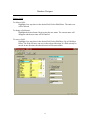
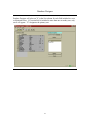
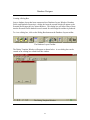
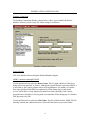
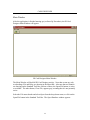
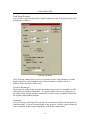
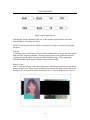
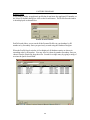
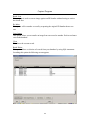
The primary sort is identified by a “P” (for primary) in the Database Layout Window sort
column.
The primary sort requires that the number in the ID number field is different for every
record, or Personal Profile, in your database.
Secondary Sorts
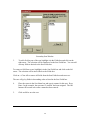
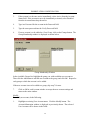
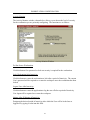
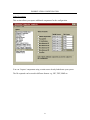
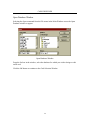
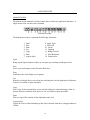
A secondary sort can provide another way to sort the records in a database when
searching in ‘Capture’.
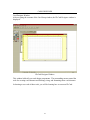
Creating a Database
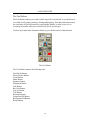
It is recommended that you make planning the database the first step in preparing a
database layout. You should decide up front what you want in the database and how you
want to lay it out. While you are planning, keep these ideas in mind.
•
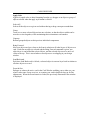
Think small. Put as little information as possible in each field. For example, break
the name field down into Last name, First name and Middle initial. This will
allow for easier maintenance and sort methods in the future.
•
Be complete. Include fields for all the data you will need, but don’t add data you
may not need. Additional fields can be added later, if necessary.
•
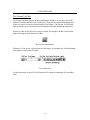
Be consistant. Create a database layout that uses the same names and
organisations as the forms and files you already use.
7