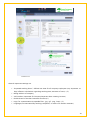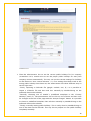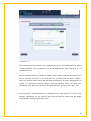
1
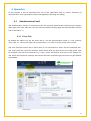
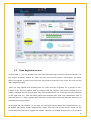
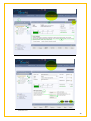
Screenshot 4.6
4.2
Time Registration Area
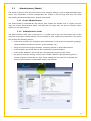
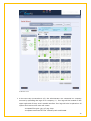
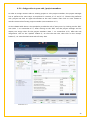
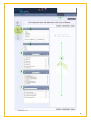
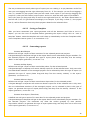
On this panel (1.) you can register your daily time spent working on various projects and tasks. On
the “Project Overview” section (2.), each user can only see the Projects, Sub-Projects and Tasks
they are assigned. A project can have more sub-projects and tasks, but a user will only see the
ones assigned to them.
Users can only register their working time for a task and not in general, for a project or subproject. If you want to register time on projects and sub-projects, the project manager has to
create a separate task for this purpose only. Each employee also has a live time account overview,
on the right side (12.), with the effort against the expected work load. The collaborators have in
the same place (12.) only a general work overview, as they don’t have expected work hours set, to
calculate times against them.
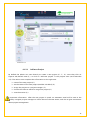
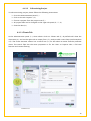
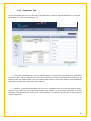
On the area “My Time Entries” (9.) the user can see all his entries within the selected period (10.).
By default, the period shown automatically ranges from the first of the current month till the
current day when the user is logged into timePO. The user can change this period (10.) to a special
21