1
WinBatch Functions
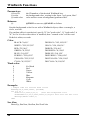
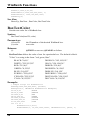
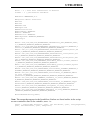
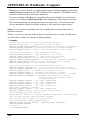
break
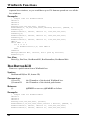
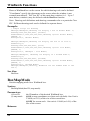
case 2
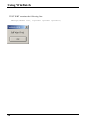
Display(3,"Button Example", "You pushed Button 2")
Break
endswitch
See Also:
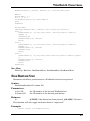
BoxesUp, BoxNew, BoxButtonDraw, BoxButtonKill, BoxButtonStat
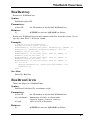
BoxCaption
Changes the title of a WinBatch box.
Syntax:
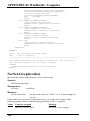
BoxCaption(box ID, caption)
Parameters:
(i) box ID
(s) caption
the ID number of the desired WinBatch box.
title for the box.
Returns:
(i)
@TRUE on success; @FALSE on failure.
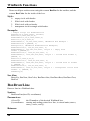
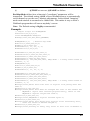
This function sets the title of the Window. The main window always has a title
(caption) bar. Windows created with the BoxNew function, using a "2" for the
style parameter, also have a caption bar. If the box does not have a caption bar,
the function is effectively ignored.
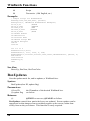
Example:
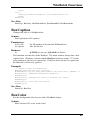
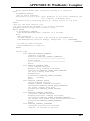
;; sample script for BoxCaption
BoxesUp("200,200,700,700", @normal)
BoxDrawText(1,"0,310,1000,1000","Watch the Title Bar", @FALSE, 1)
BoxCaption(1, "WinBatch BoxCaption Example")
TimeDelay(5)
BoxCaption(1, "Change the title to whatever you like")
TimeDelay(3)
BoxCaption(1, "You have the power")
TimeDelay(3)
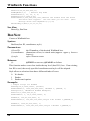
See Also:
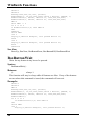
BoxesUp, BoxNew
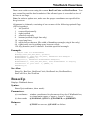
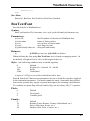
BoxColor
Sets the background color for use with a WinBatch object.
Syntax:
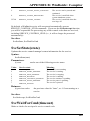
BoxColor(box ID, color, wash color)
45