1
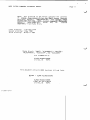
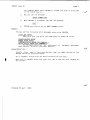
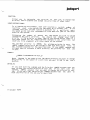
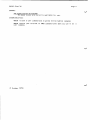
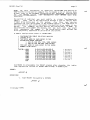
JOBS (Contd)
Page 2
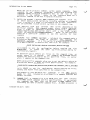
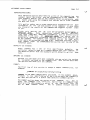
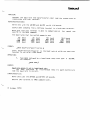
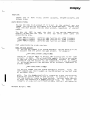
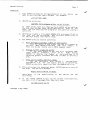
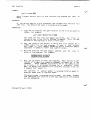
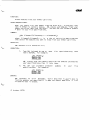
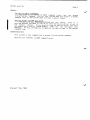
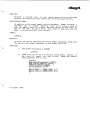
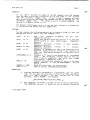
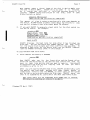
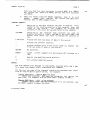
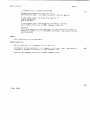
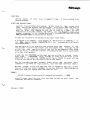
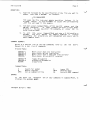
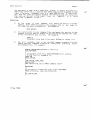
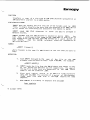
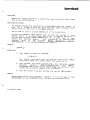
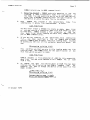
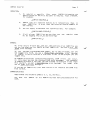
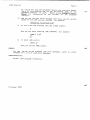
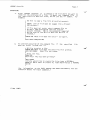
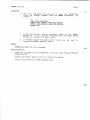
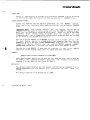
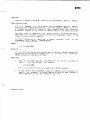
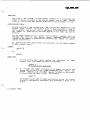
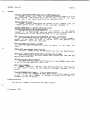
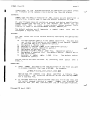
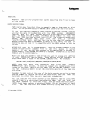
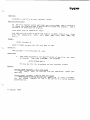
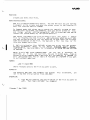
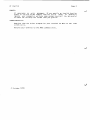
OPERATION:
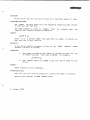
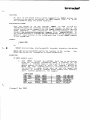
At AMOS command LeveL:
1.
Type JOBS foLLowed by a RETURN.
your job.
JOBS teLLs you
For example:
the
name
of
.JOBS
YOUR JOB NAME IS JOB5
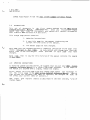
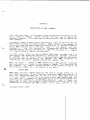
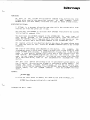
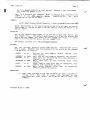
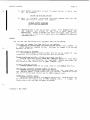
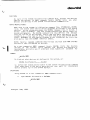
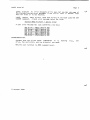
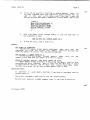
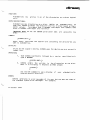
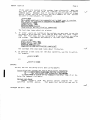
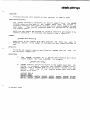
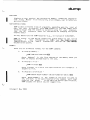
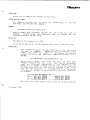
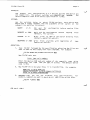
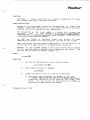
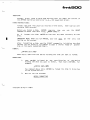
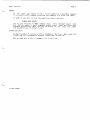
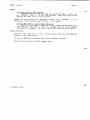
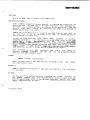
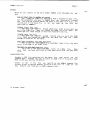
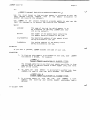
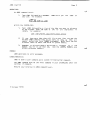
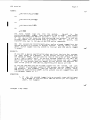
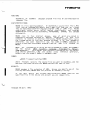
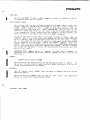
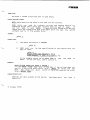
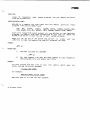
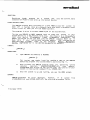
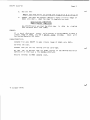
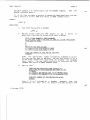
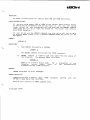
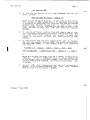
Within the SYSTEM.INI:
1.
Type
JOBS foLLowed by a
on the system.
Length.
List of the jobs you want to alLocate
Each job name is
one
to
six
characters
in
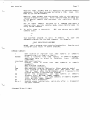
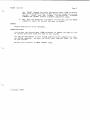
For exampLe:
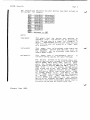
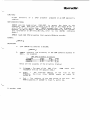
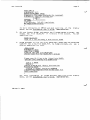
JOBS JOB1,PRINTR,JOB2,OPRTR,SPARE,SPOOLR
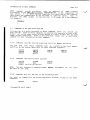
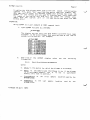
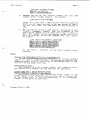
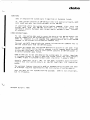
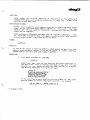
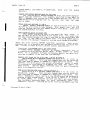
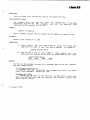
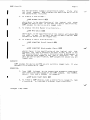
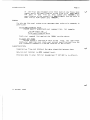
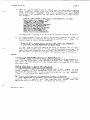
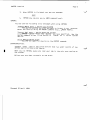
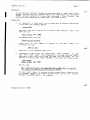
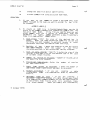
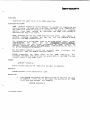
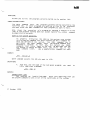
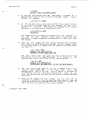
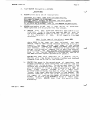
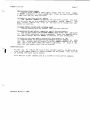
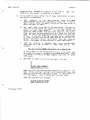
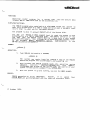
2.
If
you
have more jobs than wiLl fit on one Line, you may use
as many JOBS command lines as you want, as Long as they aLt
appear before the first TRMDEF statement. NOTE: Each job you
aLlocate takes up about 150 words of system memory.
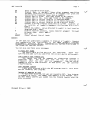
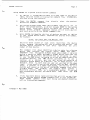
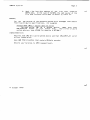
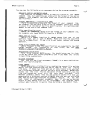
3.
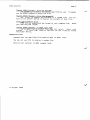
Remember to aLlocate memory and attach a terminaL to a job
before you try to use that job. (See the JOBMEM, MEMORY, and
ATTACH reference sheets.)
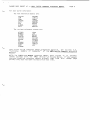
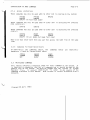
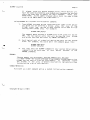
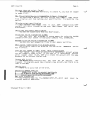
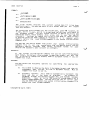
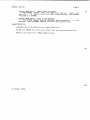
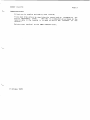
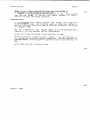
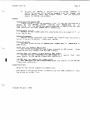
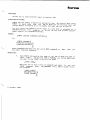
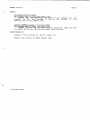
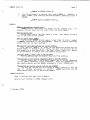
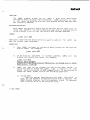
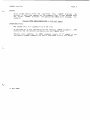
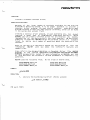
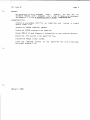
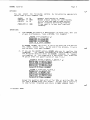
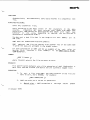
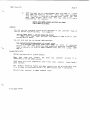
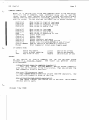
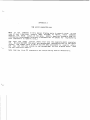
ERRORS:
JOBS generates no error messages.
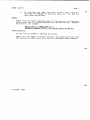
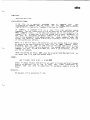
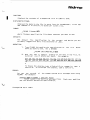
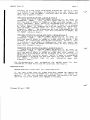
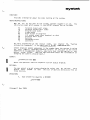
CHARACTERISTICS:
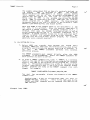
JOBS is both a user command and a system initiaLization command.
The JOBS command must be the first command in your SYSTEM.INI after the
optional :T command.
Returns your terminal to AMOS command LeveL.
(1 October 1979)