1
ID:webArchive 3.4.1 User Manual
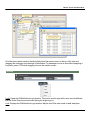
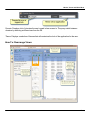
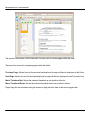
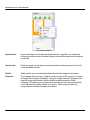
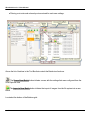
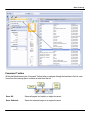
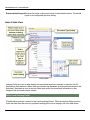
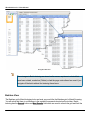
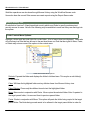
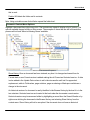
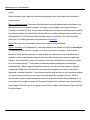
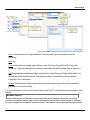
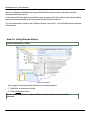
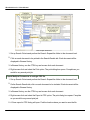
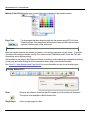
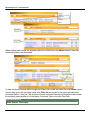
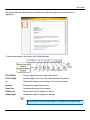
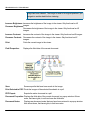
The arrows in the header of the Thumbnails View are used to reorder pages within the view.
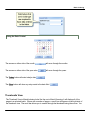
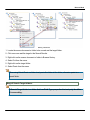
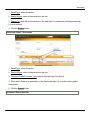
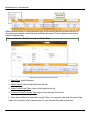
There are four arrows for navigating pages within the batch:
Previous Page: Moves focus to the previous thumbnail and its page will then be displayed in the Document Vie
Next Page: Moves focus to the next thumbnail and its page will then be displayed in the Document Viewer.
Move Thumbnail Up: Moves the selected thumbnail up one position in the list.
Move Thumbnail Down: Moves the selected thumbnail down one position in the list.
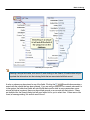
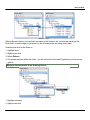
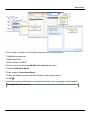
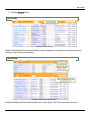
Pages may also be reordered using the mouse to drag and drop them in the correct page order.
34