1
ID:webArchive 3.4.1 User Manual
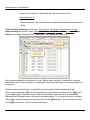
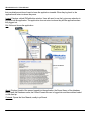
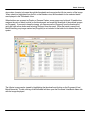
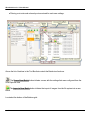
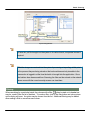
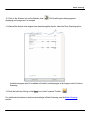
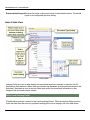
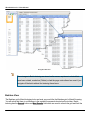
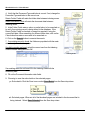
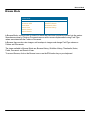
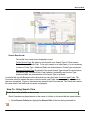
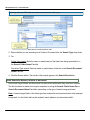
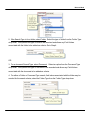
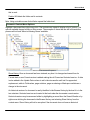
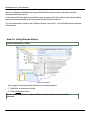
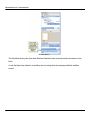
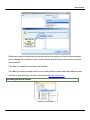
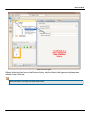
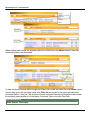
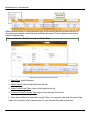
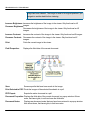
When multiple folder results are returned, select one of the items in the Name column to view that
folders sub-folders and documents.
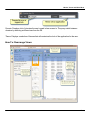
To view only the documents within a single sub-folder, click on that sub-folder link in the Name column.
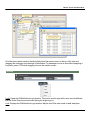
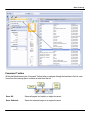
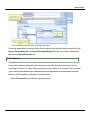
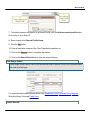
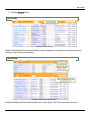
You can also type in the sub-folder name in the Filter text box located in the upper right above the
Document Results. Using the Filter text box will result in the grid showing only those items that contain
the text being typed whether it is in the Name, Document Type or is a part of the Path.
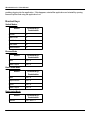
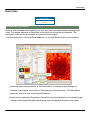
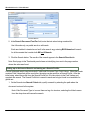
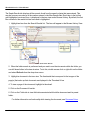
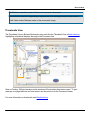
Document Search
Quick Search - Document:
142