1
5.2. Navigating Sensor Filter Configuration
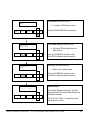
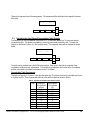
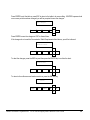
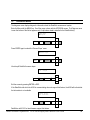
The following sequence shows how the sensor filter configuration is viewed and set. The gray key is pressed to
move to the next screen. This sequence is an example for all configuration menus.
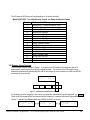
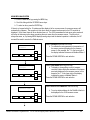
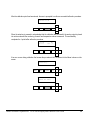
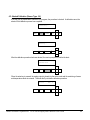
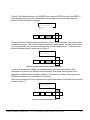
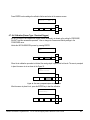
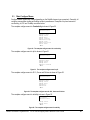
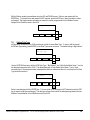
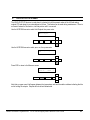
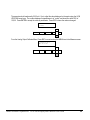
From the Measure Screen, Press the MENU key:
991.3 µS/cm
30.8 °C
DS1:
AB
6
▲
MENU
ESC
ENTER
◄
►
▼
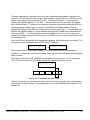
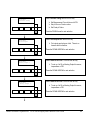
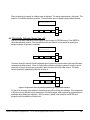
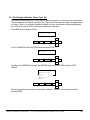
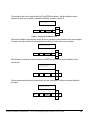
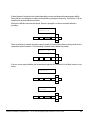
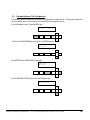
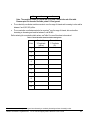
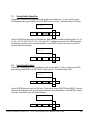
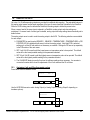
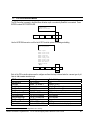
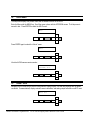
Scroll to the CONFIGURE Menu with the UP and DOWN arrows:
≡Main Menu
►Calibrate
▲
MENU
ESC
ENTER
◄
►
▼
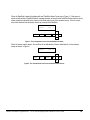
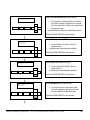
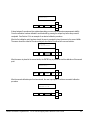
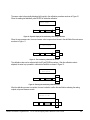
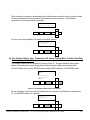
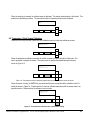
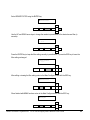
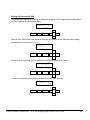
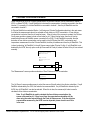
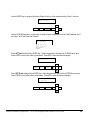
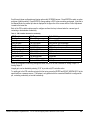
Select ENTER when CONFIGURE is displayed:
≡Main Menu
►Configure
▲
MENU
ESC
ENTER
◄
►
▼
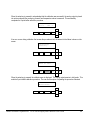
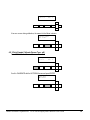
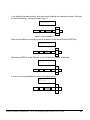
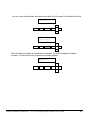
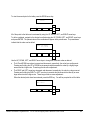
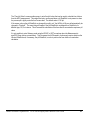
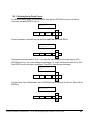
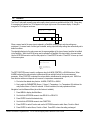
Scroll to SENSOR FILTER using the UP and DOWN arrows:
≡Configure
►Sensor Filter
▲
MENU
ESC
ENTER
◄
►
▼
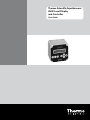
Thermo Scientific AquaSensors™ AV38 Local Display and Controller User Guide
48