1
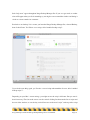
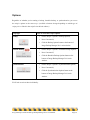
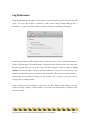
When you only keep the latest version of each file, Intego Backup Manager Pro performs what is
called an incremental backup. Each time you run a script, it will copy new or updated files only; it
won’t bother recopying files that haven’t changed. This saves you a lot of time when running
backups.
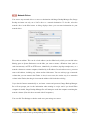
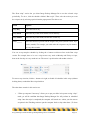
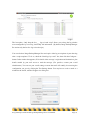
The Permissions section asks whether you want Intego Backup Manager Pro to copy only those
files that you have permission to read, or whether it should use administrator authority to copy all
files. If you choose the latter, you’re given the choice of either entering an administrator’s password
just before the script runs (“Ask for authentication before running script”) or ahead of time (“Do not
ask for authentication”).
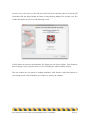
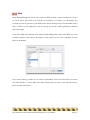
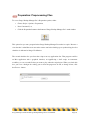
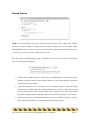
To copy all files, you must enter a user name and password belonging to someone with
administrator-level permissions. To determine who that is on your Mac, choose the Apple menu >
System Preferences... > Accounts: users with such power will have “Admin” under their names.
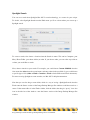
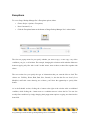
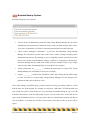
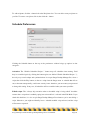
The Advanced options section contains a single checkbox, “Resolve aliases”. If you leave this
unchecked, each alias file will be copied to the destination location without any changes; check it,
and the file to which the alias points will be copied instead.
Intego Backup Assistant and Intego Backup Manager Pro User's Manual
Page 54