1
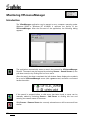
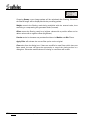
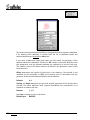
Wrong selection. Select two lines or two arcs or one line and one arc or one polyline
(to close it) only.
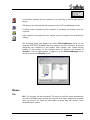
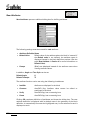
The operation could not be carried out. Ensure that there are no additional objects
accidentally selected.
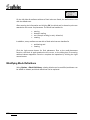
Wrong selection. Select at least two objects.
The operation will refuse to run if only one object is selected. First select a
reference object and then additional objects which should be extended to this.
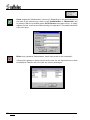
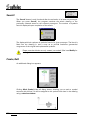
You cannot place more than 4 borders.
The number of split borders is limited to four in each (horizontal and vertical)
direction. If you want to split the drawing in more parts, you have to use this
command repeatedly.
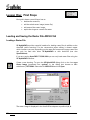
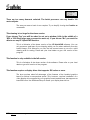
Your current hardware lock does not allow you to run this program. Please enter
update password below.
The hardware lock currently connected to your computer belongs to an older or
different version of VP HybridCAD. Please enter the update password that you
received together with the software. Contact your dealer or softelec for assistance.
V 6-7 / E
Appendix
Error Messages - Scanner Interface
249