1
External Applications
Introduction
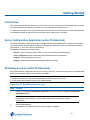
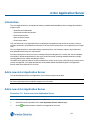
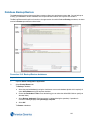
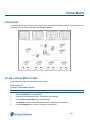
The Add External Applications feature allows users to add shortcuts to the Home tab so external executable files can
be launched from within victor client.
A maximum of six external applications can be added.
Add External Applications
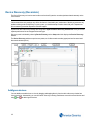
You can add a new button to the Home tab which launches any external application already installed on the client.
Note:
External applications are not retained unless saved as part of a layout. If they are not saved as part of a layout, they
will not be available if the client is restarted or another layout is selected.
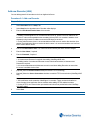
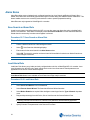
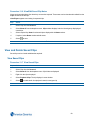
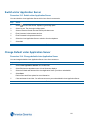
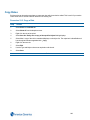
Procedure 17-1 Add External Applications
Step Action
1
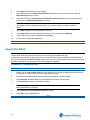
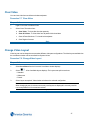
Select Add on the Setup tab. Selector displays.
2
Navigate to the .exe file of the application to be added.
3
Select the .exe file.
4
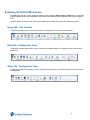
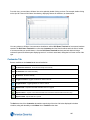
Select Open. The applications icon displays on the Home tab and the program will launch when the icon is
selected (Role dependent)
- End -
Edit Application Name
You can change the default name of an external application.
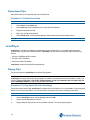
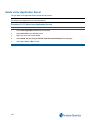
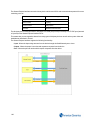
Procedure 17-2 Edit Application Name
Step Action
1
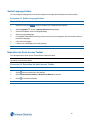
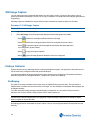
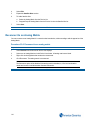
Right click on the application icon on the Home tab.
2
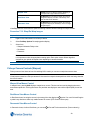
Select Edit Properties. Name textbox displays.
3
Edit the name of the application.
4
Select OK.
- End -
111