1
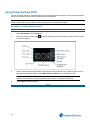
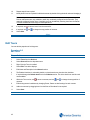
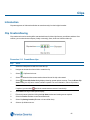
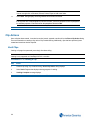
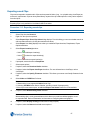
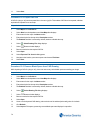
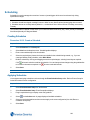
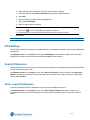
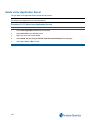
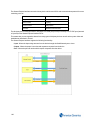
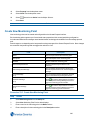
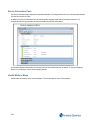
2. Move tabs between groups by right clicking the tab and selecting Move to Previous/Next Tab
Group.
- End -
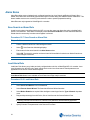
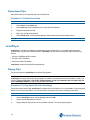
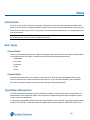
Merge Docked Windows
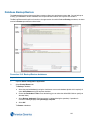
You can merge docked windows to create more on-screen workspace. Merged windows are grouped together as a
single tabbed screen element.
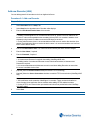
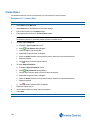
Procedure 25-13 Merge Docked Windows
Step Action
1
Select the title bar of a docked window.
2
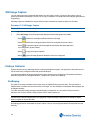
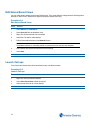
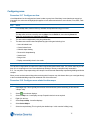
Drag to the centre of the docked window to which it is to merge. The docking icon displays.
3
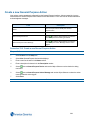
Deselect the window in the centre of the docking icon. Windows merge. Navigate the windows by selecting
appropriate tabs from the bottom of the merged window.
- End -
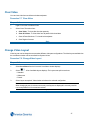
View Window In Full Screen
You can view any window in full screen mode.
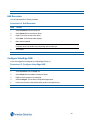
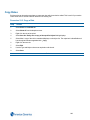
Procedure 25-14 View Window Full Screen
Step Action
1
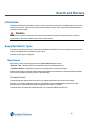
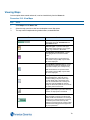
Right click the title bar of the window.
2
Select Send To from the context menu.
3
Select the display in which to view the full screen window.
- End -
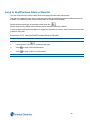
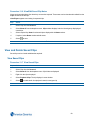
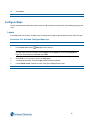
Save and Restore Current Layout
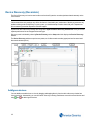
Selecting the save layout option saves the current layout. Once your workspace is arranged, you can save the layout
under a descriptive name and restore it later.
Procedure 25-15 Save Current Layout
Step Action
1
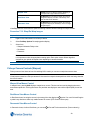
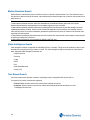
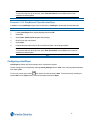
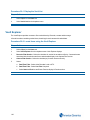
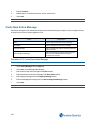
Select Layout
2
Select Save. The Choose save location dialog opens
3
Navigate to the location you wish to save the layout to
163