1
Chapter 5: Working with Existing Reports
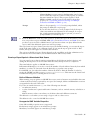
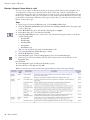
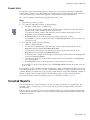
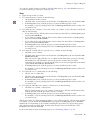
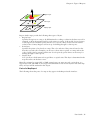
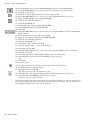
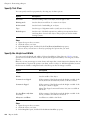
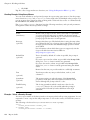
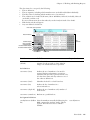
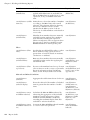
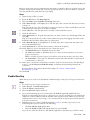
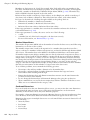
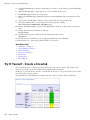
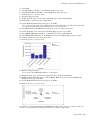
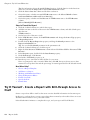
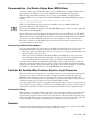
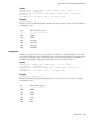
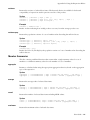
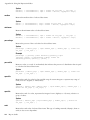
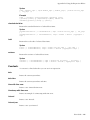
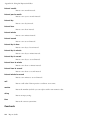
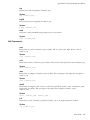
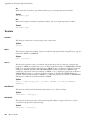
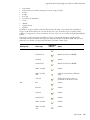
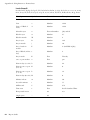
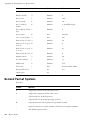
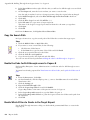
The data items for a set specify the following:
• The set definition.
• The set segments, including which members were excluded and hidden individually.
• The filter rules for defining which members are to be retrieved.
• The calculations for Subtotal (N items), More & Hidden, Subtotal (included), Subtotal
(excluded), and the total.
For more information about the subtotals, see the Analysis Studio User Guide.
• Which subtotals should appear.
• Any user-defined calculations.
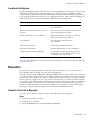
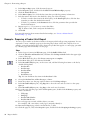
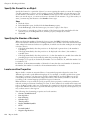
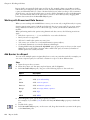
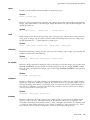
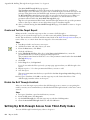
)LOWHUUXOHVILOWHUWRSERWWRP
'HIDXOWPHDVXUH
6HW
GHILQLWLRQ
6XEWRWDOGLVSOD\
0RUHDQGKLGGHQ
VXEWRWDOGLVSOD\
,QFOXGHGVXEWRWDOGLVSOD\
([FOXGHGVXEWRWDOGLVSOD\
7RWDO
([FOXGHGOLVW
+LGGHQOLVW
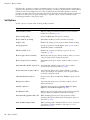
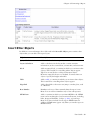
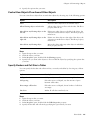
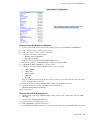
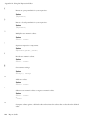
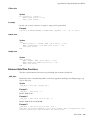
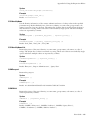
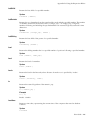
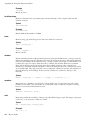
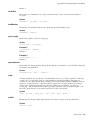
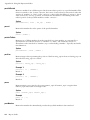
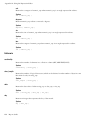
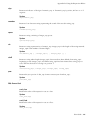
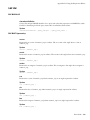
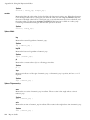
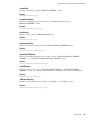
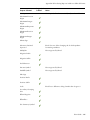
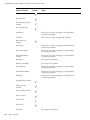
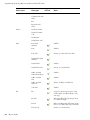
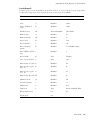
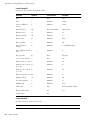
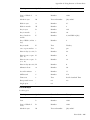
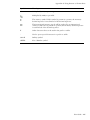
Data item
Definition
<measure name>
(default)
Identifies which measure is to be the default
measure for the crosstab or chart. May be
empty if no default measure is specified.
Dependencies
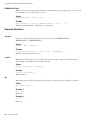
Set Definitions
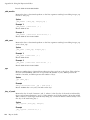
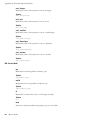
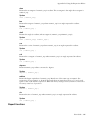
<set name> (base)
Defines the set of members to be used for
sorting, filtering and summary operations.
This data item provides a generic reference for
all other data items and may reference one of
the other set definitions.
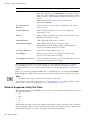
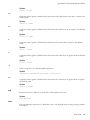
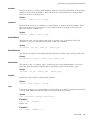
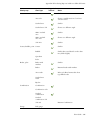
<set name> (level)
Identifies the level for a level-based set.
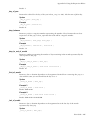
<set name> (list)
Defines the list of members in a
selection-based set.
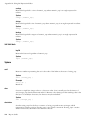
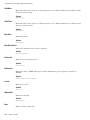
<set name> (depth N)
Defines the set of members at N, number of
levels down.
<set name> (named set) References a predefined set.
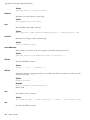
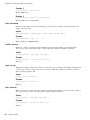
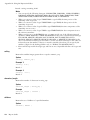
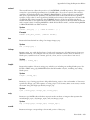
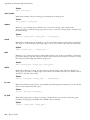
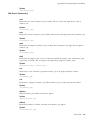
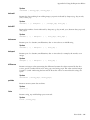
Set Segment Definitions
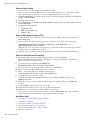
<set definition> (hidden Lists the members manually hidden using the
list)
Hide command in Analysis Studio. This set
appears when the user tries to unhide a
member.
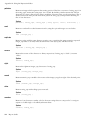
<set definition>
User Guide 143