1
RIGOL
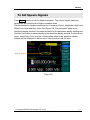
Example 7: To Generate an Arbitrary Waveform
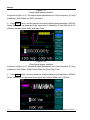
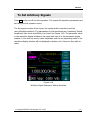
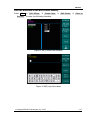
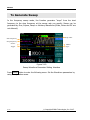
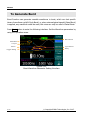
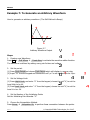
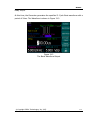
How to generate an arbitrary waveform. (The Self-Defined is Ramp)
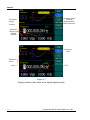
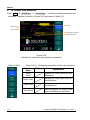
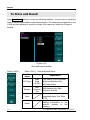
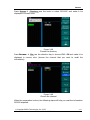
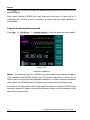
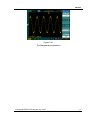
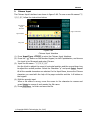
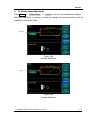
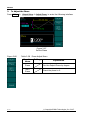
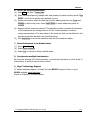
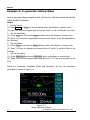
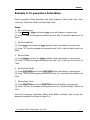
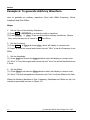
Figure 3-7
Arbitrary Waveform Output
Steps:
1. Create a new Waveform:
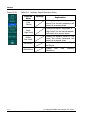
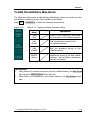
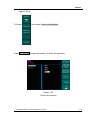
Press Arb Æ Edit Wform Æ Create New, to activate the waveform editor function.
The waveform is defined by setting every point’s time and voltage.
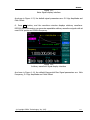
2. Set the period.
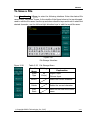
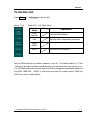
(1) Press Cycle Period and choose Cycle Period which will display in reverse color.
(2) Input “12” from the keypad and choose the unit” μs” to set the Period to be 12μs.
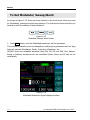
3. Set the Voltage Limit.
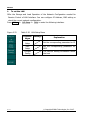
(1) Press HighV Limit, and enter “4” from the keypad, choose the unit”V”, to set the
Level High to be 4V.
(2) Press LowV Limit, and enter “-2” from the keypad, choose the unit”V”, to set the
Level L to be -2V.
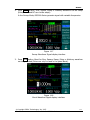
4. Set the Number of the Initializing Points
Set the Initializing Point Number “4”.
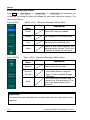
5. Choose the Interpolation Method.
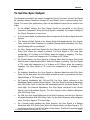
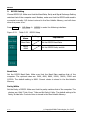
Press Interp. Æ Interpation On, to perform linear connection between the points.
3-10
© Copyright RIGOL Technologies, Inc. 2007.
User Guide for DG3000 Series