1
J.S. Software (1998) Inc.
Overnight - Update Cont.
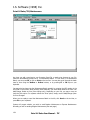
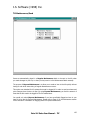
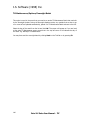
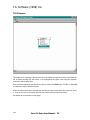
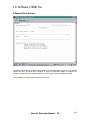
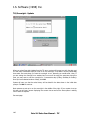
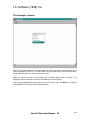
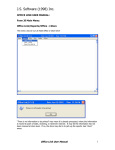
Once the above screen appears, you may turn off your monitor and leave for the day. The
system will run the overnight at the “Waiting until” time.
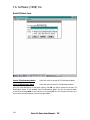
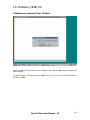
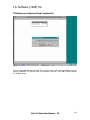
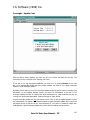
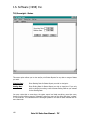
If you wish to run the overnight immediately, you may do so by clicking Execute on the Tool
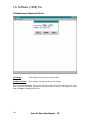
Bar, or by pressing F3. System will then prompt whether you want to run a Quick Overnight
Update or a Full Overnight Update.
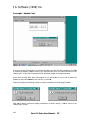
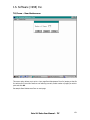
Normally you will want to run a Full Overnight Update as this will pull all reports, including item
movement, run the Update Specials routine, and send Till Maintenance to the tills. A Full
Overnight Update will also do reports and send maintenance for other modules you may be
running such as Accounts Receivable, Frequent Shopper or Video Rental.
A Quick Overnight Update will only pull reports from the tills. It will not update specials or send
any maintenance. On regular Cash Register systems a Quick Overnight Update will not pull item
movement reports as this can be very time consuming. If you have a PC based till system such
as Breakpoint, a Quick Overnight Update will pull all reports including item movement.
Point Of Sales User Manual - Till
147