1
How to Track Devices using the Control Map
Overview
OPERATING NSTAR
Operators who are assigned to the control areas can view the status of devices and
control them using the control map.
Procedure
1.
2.
3.
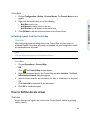
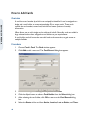
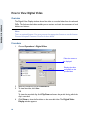
Choose Operations > Control Map
OR
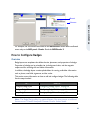
Click
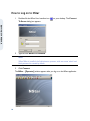
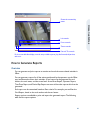
. The Control Map window appears.
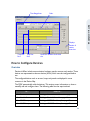
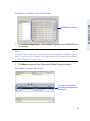
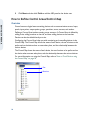
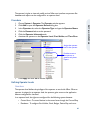
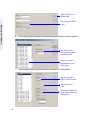
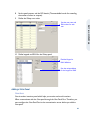
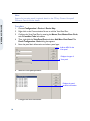
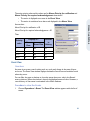
Expand the control area folder and then its branches.
To control a device, right-click the device and select the command from the menu.
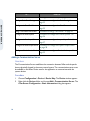
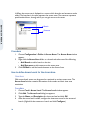
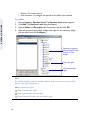
Moving the cursor over the
control map icon displays a
tool tip which explains the
status of the device.
How to Handle Events and Alarms
Overview
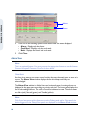
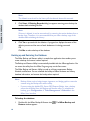
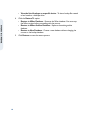
Access control activities in NStar can be classified as events such as card reads and
alarms such as invalid card reads, based on the alarm priorities assigned to them. The
priority value ranges from 1 to 99.
56