Installation
57
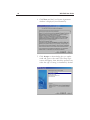
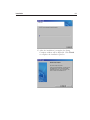
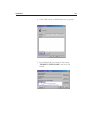
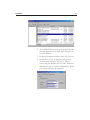
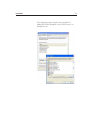
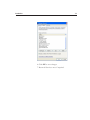
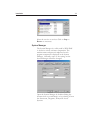
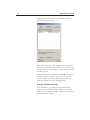
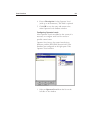
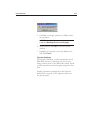
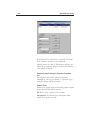
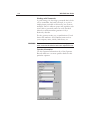
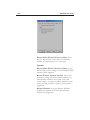
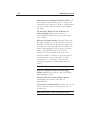
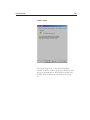
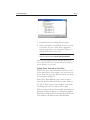
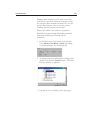
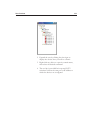
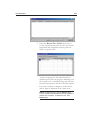
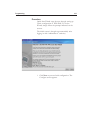
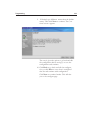
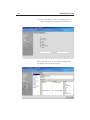
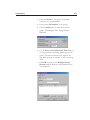
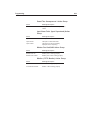
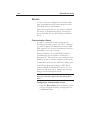
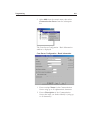
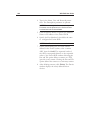
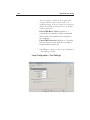
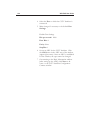
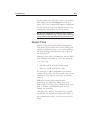
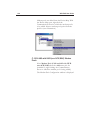
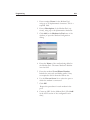
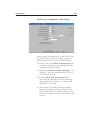
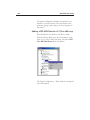
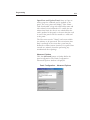
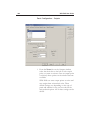
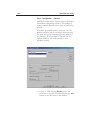
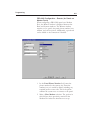
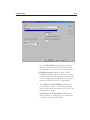
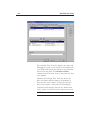
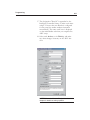
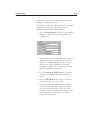
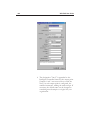
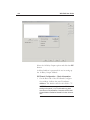
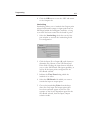
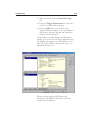
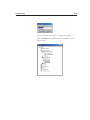
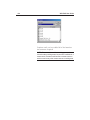
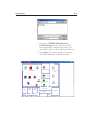
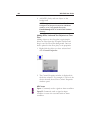
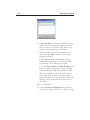
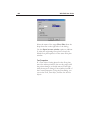
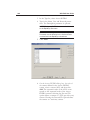
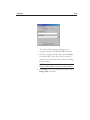
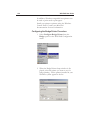
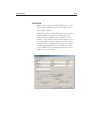
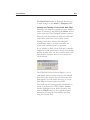
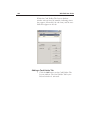
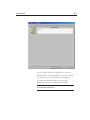
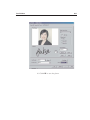
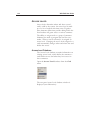
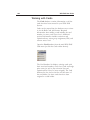
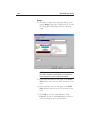
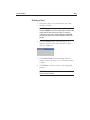
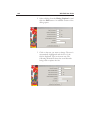
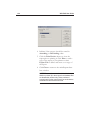
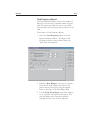
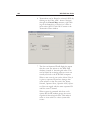
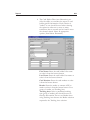
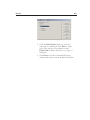
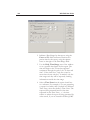
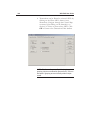
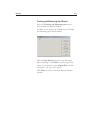
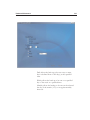
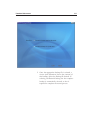
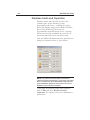
15 After the installation is complete, the Setup
Complete window will be displayed. Click Finish
to complete the installation process.