1
SETTING UP NSTAR
3.
4.
5.
6.
7.
8.
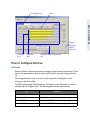
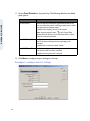
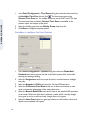
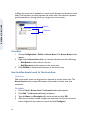
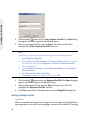
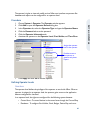
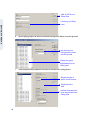
Type a Name and Description for the server.
Click Add under ADV to create an ADV for the communication server. The
Abstract Device Record - Server dialog box appears.
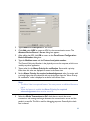
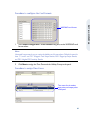
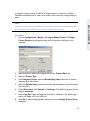
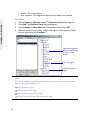
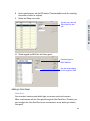
After adding the ADV, click OK to return to the Com Server Configuration Basic Information dialog box.
Type the Machine name and the Protocol end point number.
The Protocol End point Number is the physical port on the computer, which is not
used by any other application.
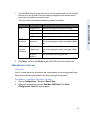
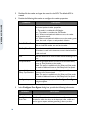
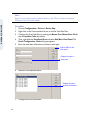
Type a value for the Alarm Priority for notification. Events with a priority
lower than this value are displayed as events in the Event view.
Set the Alarm Priority for required acknowledgement value. An action with
a priority higher than this value and with a priority lower than the “Alarm Priority
for notification” value is displayed as an alarm in the Alarm View.
Note:
• The Alarm View is an optional feature. You must procure an additional license to
use it.
• When the feature is enabled the Alarm Priority for required
acknowledgement value must be set to 50.
9.
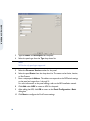
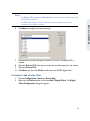
Select the Write Transactions to file? check box to record the server
transactions and message exchanges between the communication server and the
panels in a text file. This file is used for debugging purposes. Generally this check
box is cleared.
15