1
3.
4.
5.
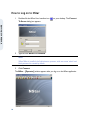
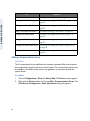
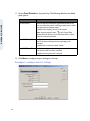
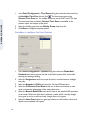
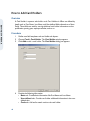
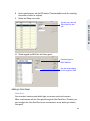
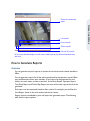
Select a report from the list and click Report Options. The corresponding Report
dialog box appears.
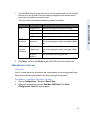
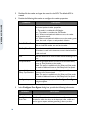
Set the filter criteria to customize the report according to requirements.
Click the report option to print or export the generated report.
Click Close.
OPERATING NSTAR
Database Maintenance
Database maintenance involves the following functions.
•
•
•
Removing unused data.
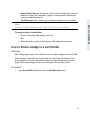
Making a backup of the database for use during hardware/software problems.
Restoring a backup of the database when required.
Removing Unused Data
When records are deleted from a database, they are not removed from the hard disk.
They are unavailable for use, but still occupy hard disk space. It is necessary to remove
these files for optimum hard drive usage.
To remove deleted database records and/or history
1.
2.
3.
4.
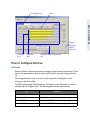
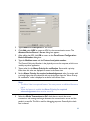
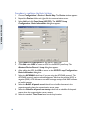
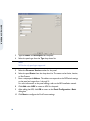
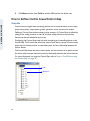
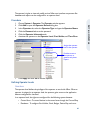
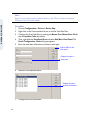
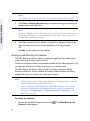
Choose File > Database Maintenance. The Database Maintenance window
appears.
Select Remove Deleted Records under Settings to delete records from the
hard drive.
Select Delete History under Settings to delete history files.
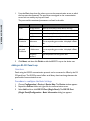
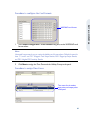
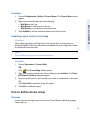
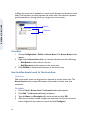
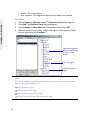
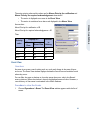
Click Change to open the Select Until Date dialog box and select a date from
the calendar.
Calendar
63