1
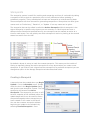
Task Notes Editor
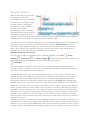
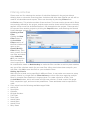
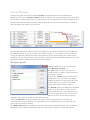
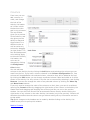
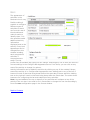
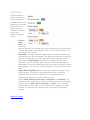
The Task Notes Editor allows you to attach a note to any activity. To add a task note, select
the desired activity, and add your information in the editor text box, then click OK to save
it. Task notes can only be applied to one activity at a time, so if multiple activities are
selected, the task notes editor is disabled.
Back to Contents