1
HOBLink JWT ___________________________________________________________
"IP Print" Options
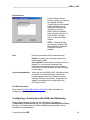
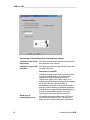
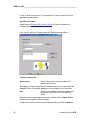
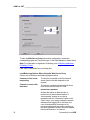
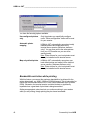
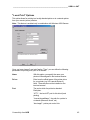
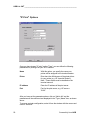
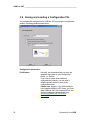
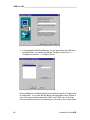
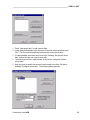
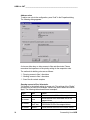
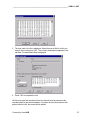
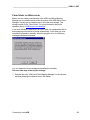
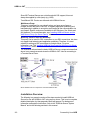
Once you have chosen "IP print" as the "Type", you can define the following
parameters for printing from your WTS session:
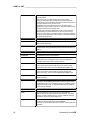
Name
With this option, you specify the name your
printer will be assigned in the terminal session.
Driver
Enter here the official name of the printer driver
for your printer (e.g. HP LaserJet Series II).
Note: These drivers must be installed on the
terminal servers!
IP address
Enter the IP address of the print server.
Port
Port for the print server, e.g. HP server =
"9100"
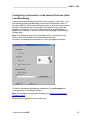
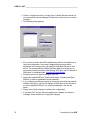
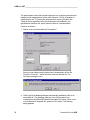
After you have set the parameters above, click on “Add to list” and the
parameters will be confirmed and displayed in the "Type | Name" box, as shown
above.
To remove a printer configuration, select it from the window with the mouse and
click on “Remove”.
50
Connectivity from HOB