1
Working with the Airport List
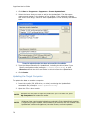
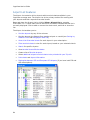
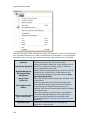
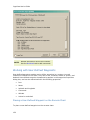
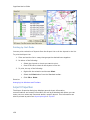
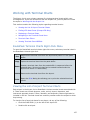
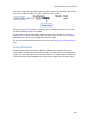
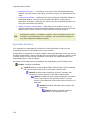
The Airport List contains all the airports available in your subscribed coverage area
and is the primary method for working with their respective terminal charts. Open
and close the Airport List by clicking View > Airport List or pressing
CTRL+SHIFT+L. A check mark next to the menu command indicates that it is
currently displayed. Click to add or remove the check mark.
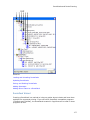
This section contains the following topics regarding the Airport List:
•
Airport List Overview
•
Airport Properties
•
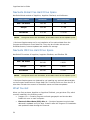
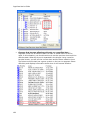
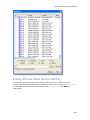
Distinguishing Between IFR and VFR Airports
•
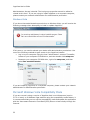
Searching for a Specific Airport
•
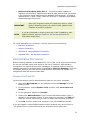
Favorite Airports
•
Airport Filters
Airport List Overview
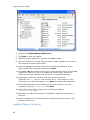
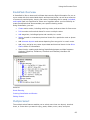
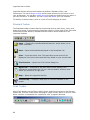
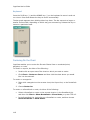
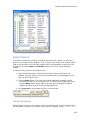
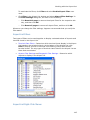
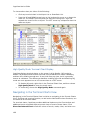
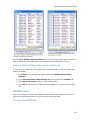
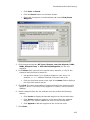
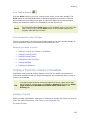
Each airport in the Airport List has terminal charts associated to it. These charts may
include airspace, noise, arrival, departure, and instrument approach charts.
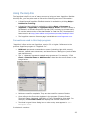
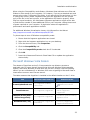
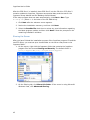
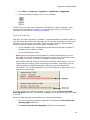
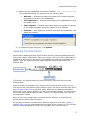
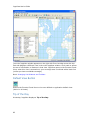
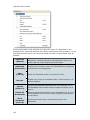
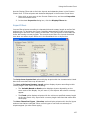
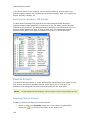
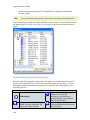
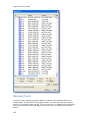
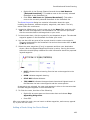
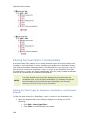
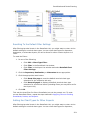
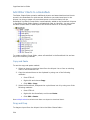
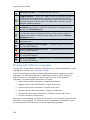
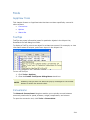
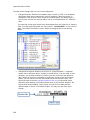
The airport list displays all the airports within your coverage by the ICAO designator.
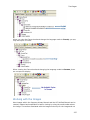
Click on the plus sign (+) to the left of the airport name to display that airport's
terminal charts. If the airport does not have an ICAO identifier, the IATA identifier is
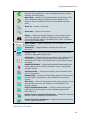
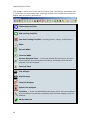
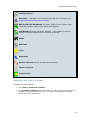
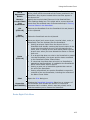
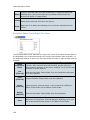
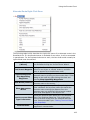
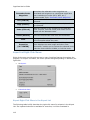
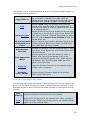
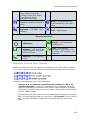
used. The following information appears in the same row with the airport name:
133