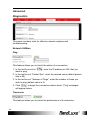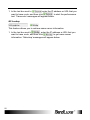
1
Using Web-based Management
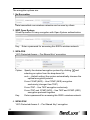
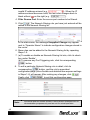
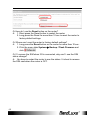
, and a dialog message will appear to indicate the factory reset
process. After completion of the reset process, the router will
automatically reboot and return to its initial login prompt.
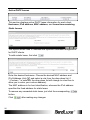
Restore backup
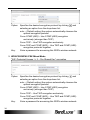
Here you can restore router settings previously saved as a TAR archive
to find and
file on your computer or mobile device. Just click
select the previously saved TAR archive file, and then click ‘Open’.
Confirm that the TAR filename appears beside the
button and
click
. The system will reboot after completion of backup
restoration.
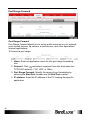
Flash new router firmware image
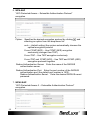
This option allows you to upgrade this router with the updated firmware
image. Just click
to find and select the firmware image file, and
then click ‘Open’. Confirm that the firmware filename appears beside the
button and click
. The system will reboot after
successful upgrade.
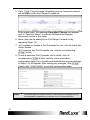
Flash new module firmware image
This option allows you to upgrade this router with the updated module
to find and select the firmware
firmware image. Just click
package file, and then click ‘Open’. Confirm that the firmware filename
appears beside the
button and click
. The system
will reboot after successful upgrade.
Flash new ipkg image
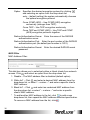
This option allows you to upgrade this router with the updated IPKG
to find and select the IPKG package file,
package. Just click
and then click ‘Open’. Confirm that the IPKG package filename appears
beside the
button and click
. The system will reboot
after successful upgrade.
FOTA
This option (Firmware Over The Air) allows you to do upgrade
automatically or manually router’s firmware wireless.
For automatic wireless update, enable “Auto check” and enter the desired
time interval (in hours) between each check of the BandRich website for
17