1
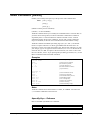
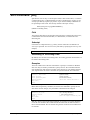
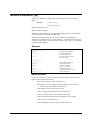
Open Command [OP]
Specify an SQL database to open. Only one database can be open at a time.
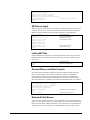
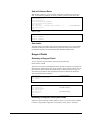
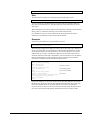
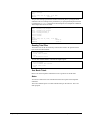
OPEN ORACLE username [password][remotedb@instance]
OPEN ALLBASE dbename owner
Oracle Database
Use the Open command to connect to an Oracle database. You must specify your
Oracle username and password. If you do not specify the password in the Open
command, Suprtool prompts for your password (without echoing it on the screen).
To read data from an Oracle table or view, use the Select command. Use Set Oracle
Rows to specify how many rows for Suprtool to fetch when it is reading Oracle data.
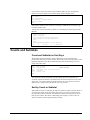
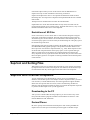
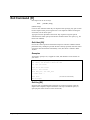
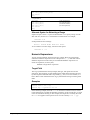
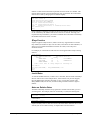
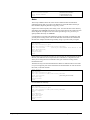
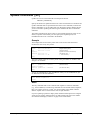
>open oracle scott tiger
Allbase Database
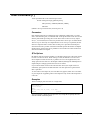
Use the Open command to connect to an Allbase database. You must specify your
Allbase dbename and owner. To read data from an Allbase table or view, use the
Select command. Use Set Allbase Rows to specify how many rows for Suprtool to
fetch when it is reading Allbase data.
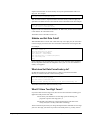
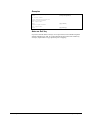
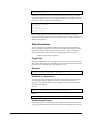
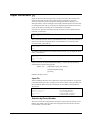
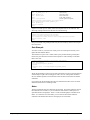
>open allbase inventory anne
Remote Databases and Oracle Issues
In order to connect to the remote database using Suprtool, you need to specify the
connection parameters as follows:
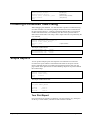
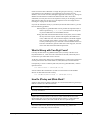
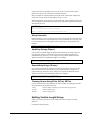
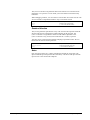
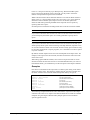
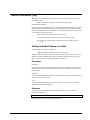
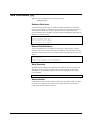
>open oracle username/password@machine
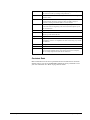
Oracle Libraries
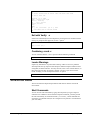
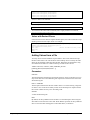
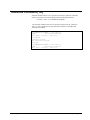
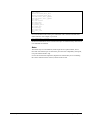
If the Oracle libraries have not been loaded Suprtool will print an error on the Open
command. To find out specific error messages as to why the libraries have not been
loaded then just run Suprtool with the –lw option, which means print loader
warnings.
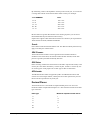
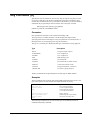
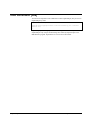
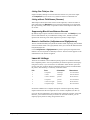
Suprtool/Open 5.7
Suprtool Commands • 175