1
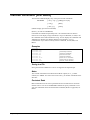
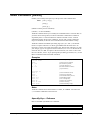
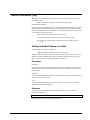
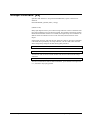
Verify Command [V]
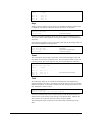
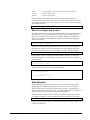
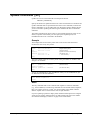
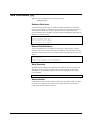
Displays the specifications that you have entered so far.
VERIFY
[ ALL | @ | VERSION | command [...] ]
(Default: Input, Output, Sort, Numrecs, changed Set values)
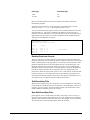
Parameters
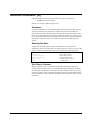
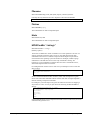
More than one command can be verified at once by entering several command names
separated by a comma or a space. The format of the Verify output is organized into
columns wherever possible.
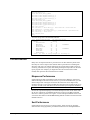
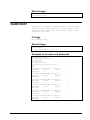
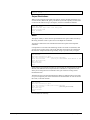
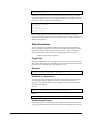
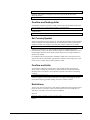
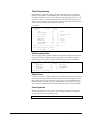
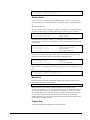
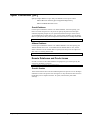
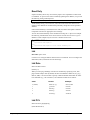
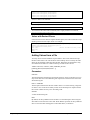
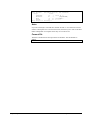
For Verify All, Suprtool prints all of the information concerning the current
invocation of Suprtool, including the value of the Set options and the Suprtool
version number.
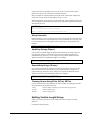
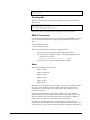
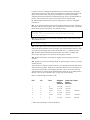
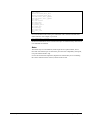
For Verify Version, Suprtool prints out the version information.
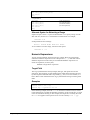
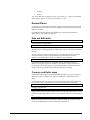
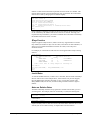
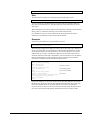
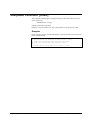
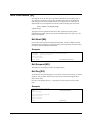
Verify with no parameters prints the current values for Chain, Get, Input, Output,
and Key or Sort commands. It also prints those Set options which are not currently at
their default setting.
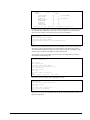
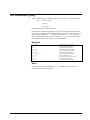
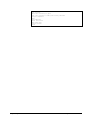
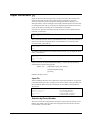
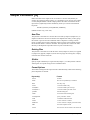
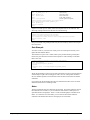
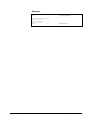
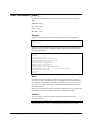
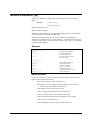
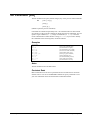
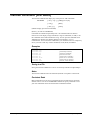
Examples
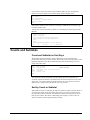
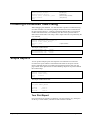
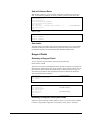
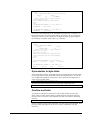
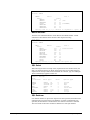
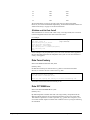
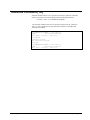
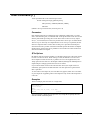
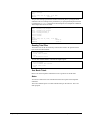
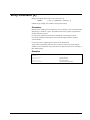
>v
>verify
>verify
>verify
>verify
>verify
224 • Suprtool Commands
input
if
all
version
{current input file}
{selection criteria}
{all current options}
{version number of Suprtool}
Suprtool/Open 5.7