1
Packed and Display Constants
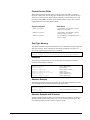
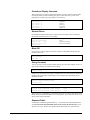
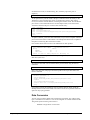
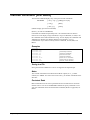
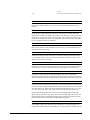
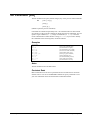
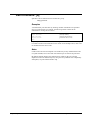
When extracting non-negative packed and display constants, Suprtool extracts them
as unsigned unless you use a leading plus sign. For the value zero, you can use a
leading plus or minus sign to get a positive or negative 0.
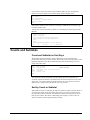
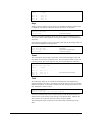
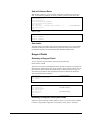
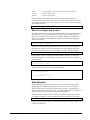
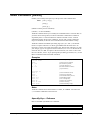
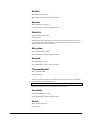
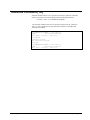
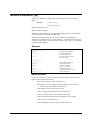
>def
>ext
>ext
>ext
>ext
>ext
field,1,6,packed
field = 1
field = +1
field = +0
field = 0
field = -0
{unsigned 1}
{signed 1}
{positive 0}
{unsigned 0}
{negative 0}
Decimal Places
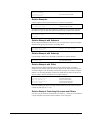
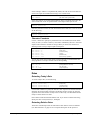
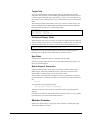
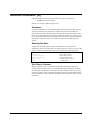
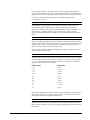
If a field has implied decimal places, Suprtool scales the input values according to
the number of decimal places. For example,
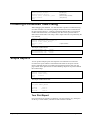
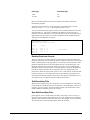
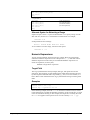
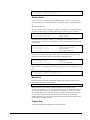
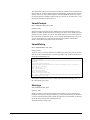
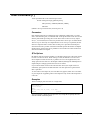
>item tax ,decimal,2
>item total,decimal,2
>extract tax
= 1.02
>extract total = 100
>output out3
{two implied decimal pts.}
{same}
{specified decimal pts.}
{value stored as 10000}
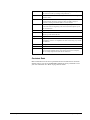
Blank Fill
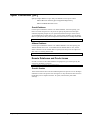
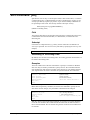
If you want to create an output record that consists of fifty blanks followed by the
customer name, use:
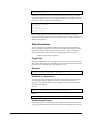
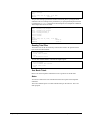
>define filler,1,50
>ext filler=" "
>ext name
String Constants
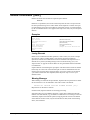
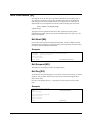
You can specify a string constant without referring to a field. For example, to leave a
space between fields, you must do the following:
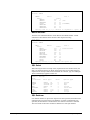
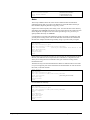
>extract account," ",rating
>output *,ascii
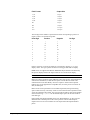
Suprtool uses the length of the string to determine the size of the field. The following
example extracts the same fields as the previous example, but each output record
identifies the field:
>extract "Customer Account=",account," "
>extract "Credit Rating=",rating
>output *,ascii
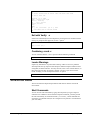
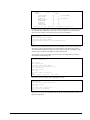
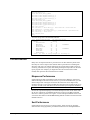
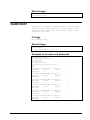
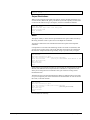
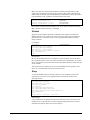
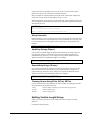
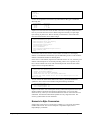
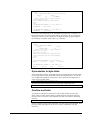
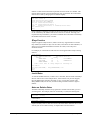
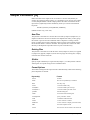
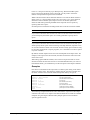
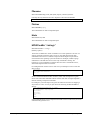
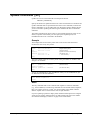
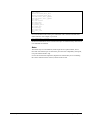
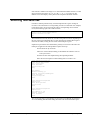
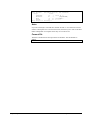
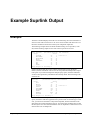
The output would look like:
Customer Account=04598921 Credit Rating=
Customer Account=44657844 Credit Rating=
Customer Account=98753198 Credit Rating=
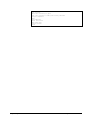
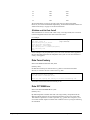
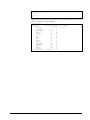
5000
20000
3000
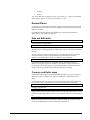
The spaces after "Credit Rating=", before the rating value, is due to the numeric field
Rating being extracted with blanks for its leading zeros. This is the result of the Ascii
option of the Output command.
Repeated Fields
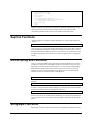
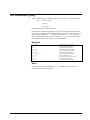
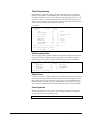
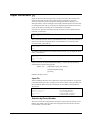
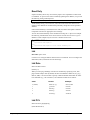
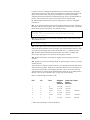
If the field is an IMAGE repeated field (e.g., 10J1), the Extract command places the
value in each of the repeated fields when you do not specify the subscript. If you
specify a subscript, only that one repeated field will have the new constant value.
Suprtool/Open 5.7
Suprtool Commands • 109