1
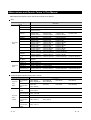
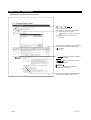
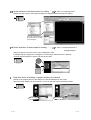
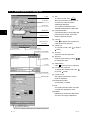
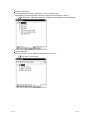
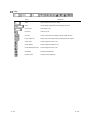
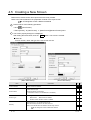
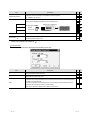
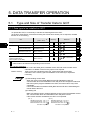
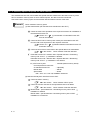
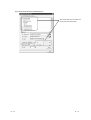
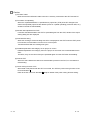
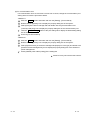
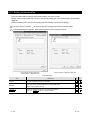
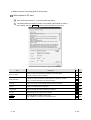
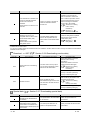
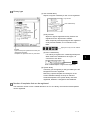
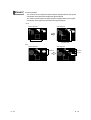
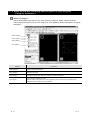
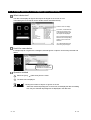
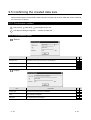
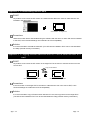
1 Sector
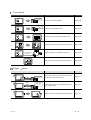
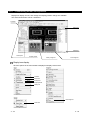
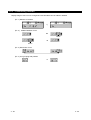
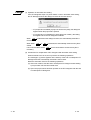
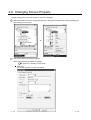
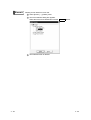
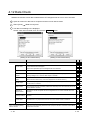
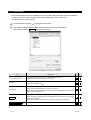
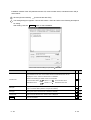
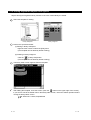
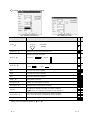
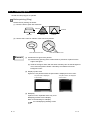
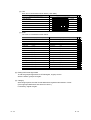
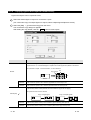
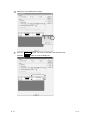
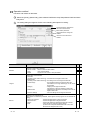
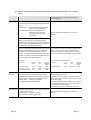
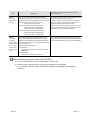
This is the setting item only for arc and sector.
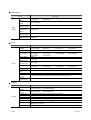
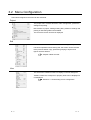
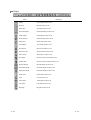
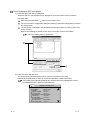
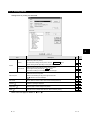
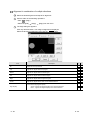
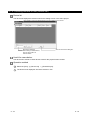
2 Scale points, direction and center line
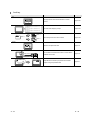
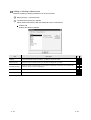
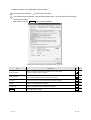
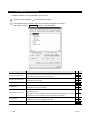
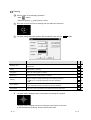
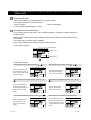
These are the setting items only for scale.
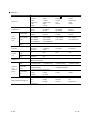
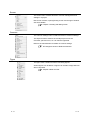
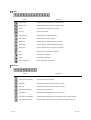
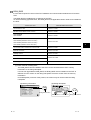
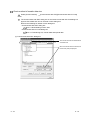
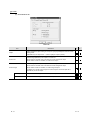
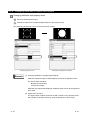
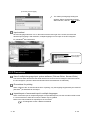
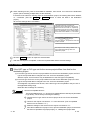
3 Set as Default
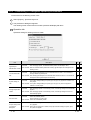
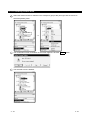
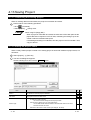
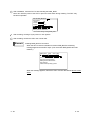
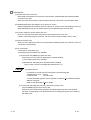
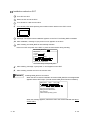
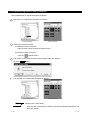
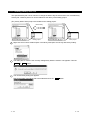
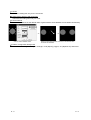
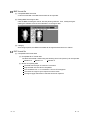
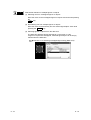
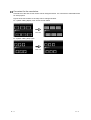
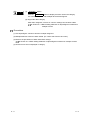
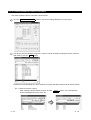
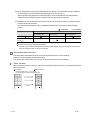
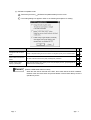
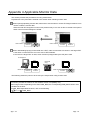
Set the user attribute as the default value. Figures with the same attribute can be drawn continuously.
Click the "Set As Default" button.
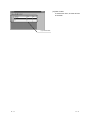
When the same figure is drawn next time, it can be drawn with
the values set as default.
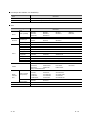
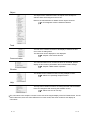
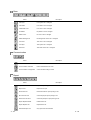
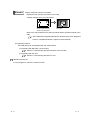
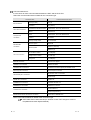
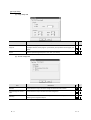
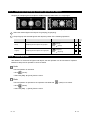
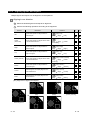
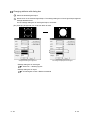
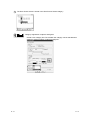
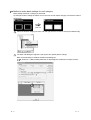
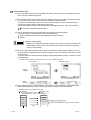
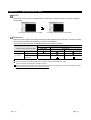
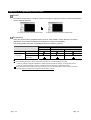
4 Pattern, Foreground, Background
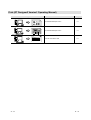
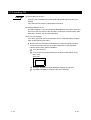
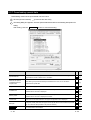
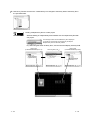
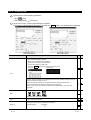
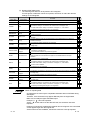
These are the setting items only for rectangle, circle (ellipse), polygon, arc (elliptical arc) and sector.
8-5
8-5