1
The User’S Manual for GEA-8130A Network Analyzer
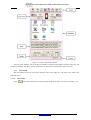
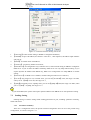
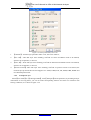
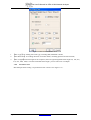
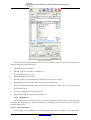
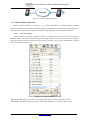
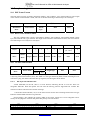
Figure 7.10.15 Application Layer Server Test——WEB
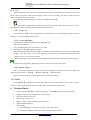
1. 【Addr】:Set IP address of SMTP server, use checked SMTP server in “network scanning”, or use DNS
host address by checking DNS service.
2.
【Port】:Set Port No. of WEB service
3.
【Respond time(ms)】:Set times of repeated tests
The default port No. of WEB service is 80.
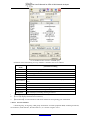
7.10.8 WEB Browsing
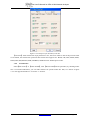
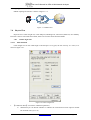
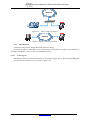
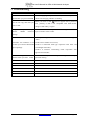
GEA-8130A supports WEB browsing in LAN way and PPPOE way, as is shown in figure 7.10.6.
Page 62
http://www.lzdd.com